Connect separate fields and facilities
Review coverage, equipment identity and the path into your chosen platform.
Explore this requirementForward temperature, status and fault events from remote equipment to the customer-selected platform or notification service.
1. What this is for
Know when a pump stops, power fails or temperature leaves the agreed range, with an alert path suited to your site.
2. Where it is used
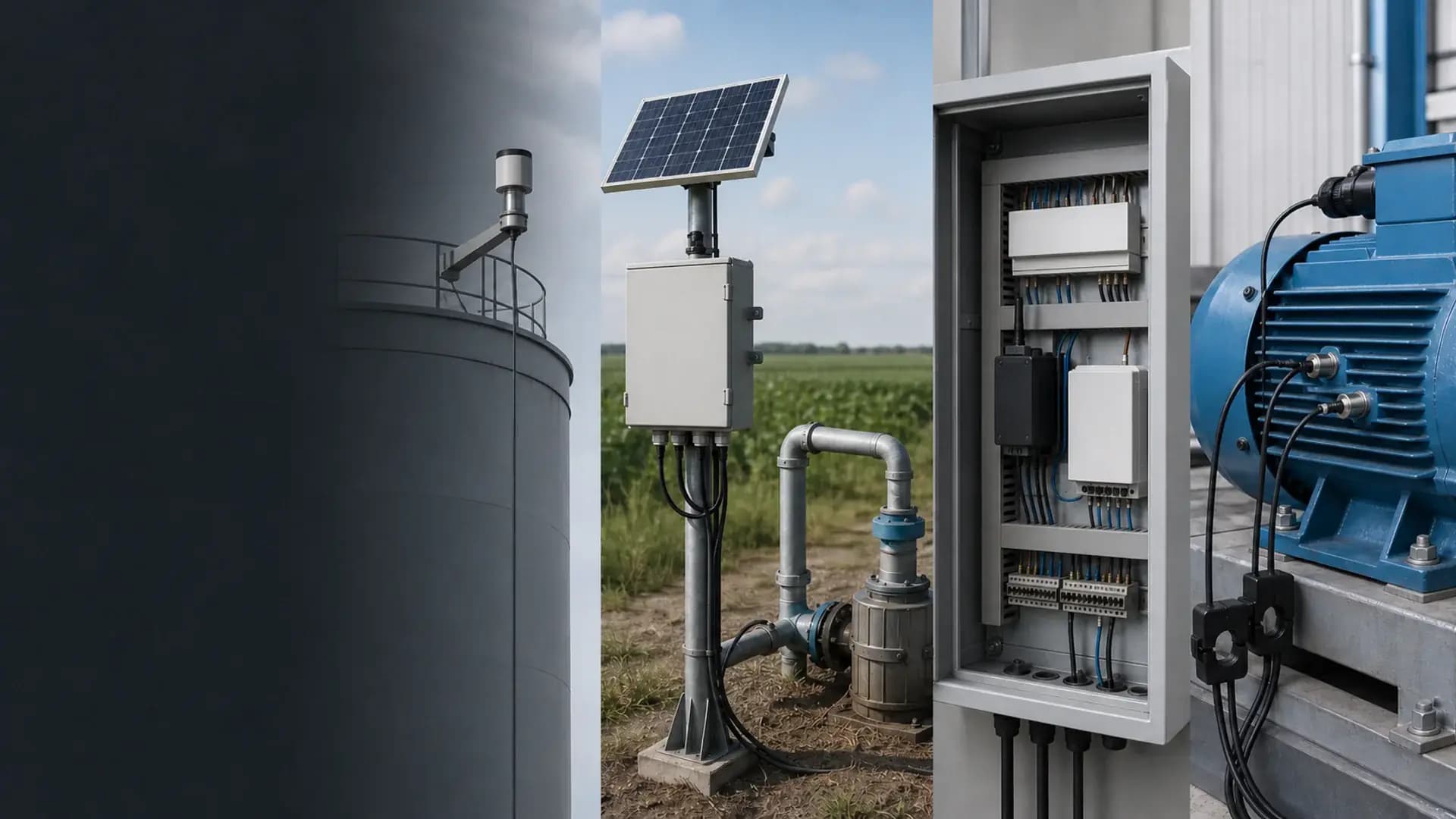
Farm pumps, greenhouse equipment, cold storage and remote cabinets with accessible signals.
3. Next step
Start with the equipment or problem you want to detect. We clarify the signals, equipment, alert service and quotation scope.
Equipment selection, or help with the whole farm?
Start with a country and a short description. We can help select one device, configure a kit, or plan the farm equipment list and agreed integration. Technical details can follow.
Compare ways to work with SunGene →Models and quotation stay on sungeneiot.com. Use the matching field condition first.
Remote equipment can expose temperature, power, door and fault conditions to a customer-owned monitoring workflow when the selected gateway and upstream service support the required event delivery.
The exact model, interfaces and enclosure are confirmed in the written quotation.
Is this the right page?
Plan equipment alarm notifications from the condition you need to detect through to the person who needs to act. Start with a pump, greenhouse, cold store or remote cabinet; SunGene can scope the equipment, farm BOM and software integration around your existing system or an agreed service.
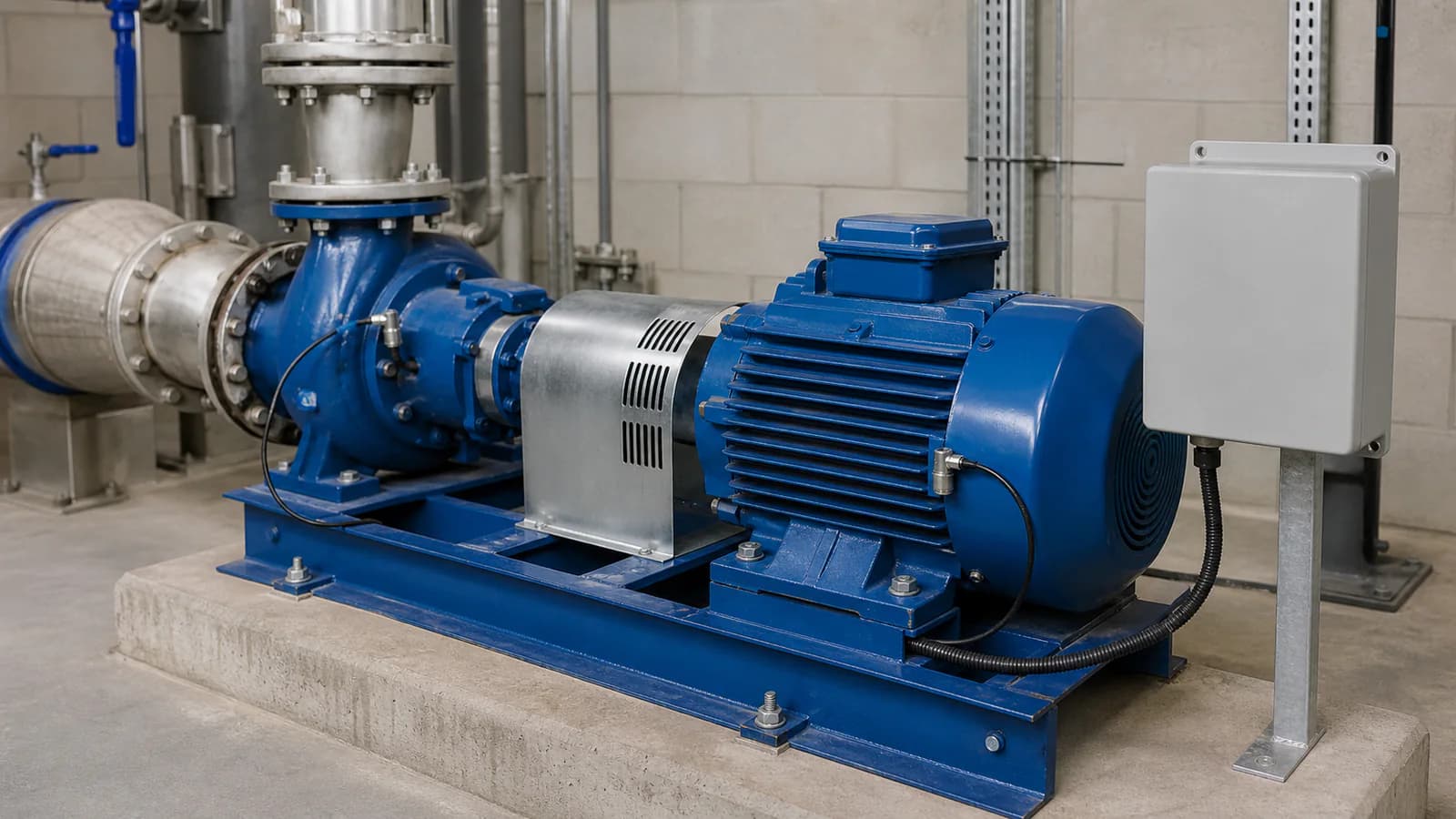
Machine monitoring context
Sensors, interfaces, enclosure, power and mounting are confirmed against the actual project before quotation.
Review coverage, equipment identity and the path into your chosen platform.
Explore this requirement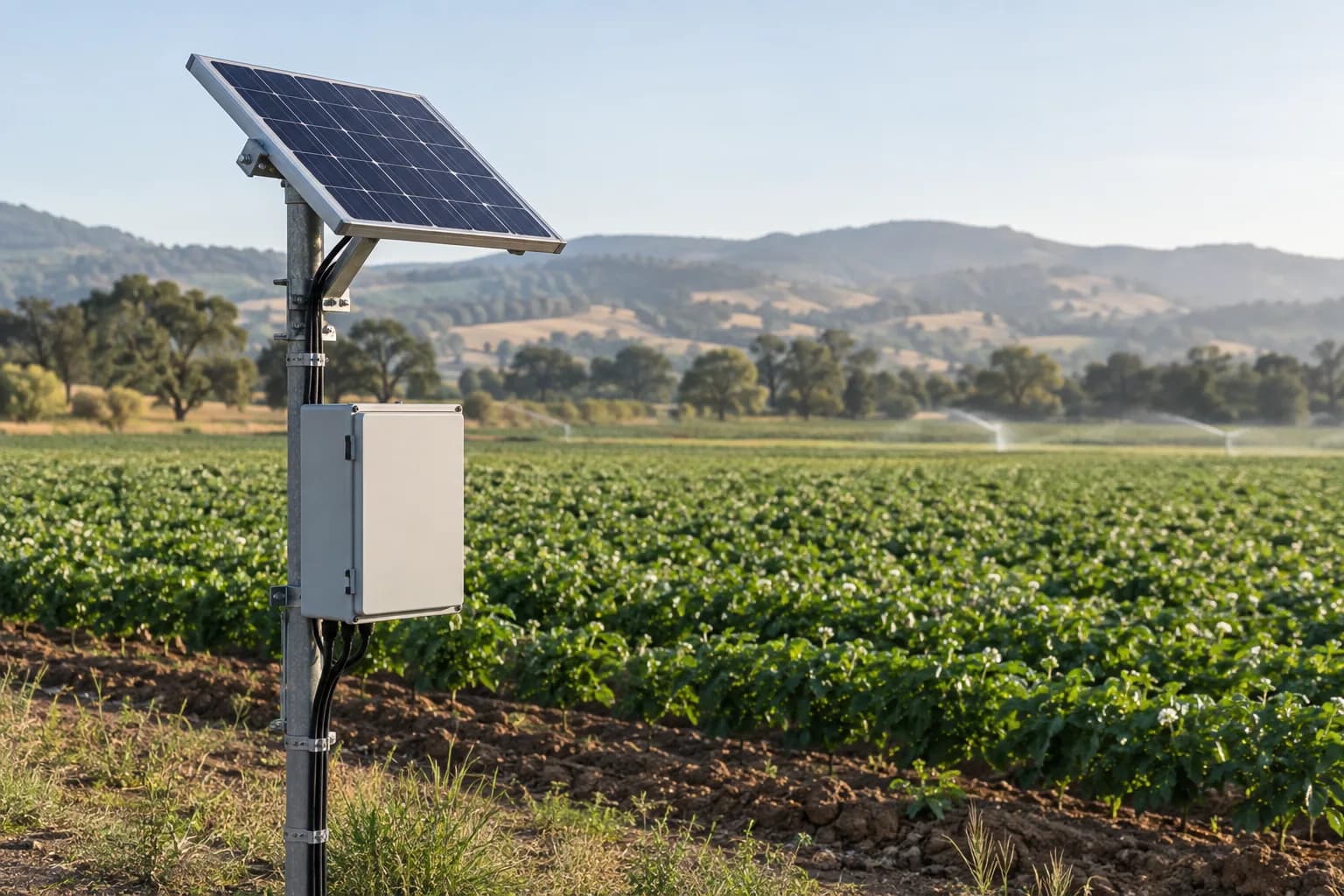
Size field power around the final equipment load, seasonal sunlight and visit interval.
Explore this requirementDry contacts, status bits or supported registers from the equipment or controller.
Temperature, humidity, leak and cabinet conditions around the monitored asset.
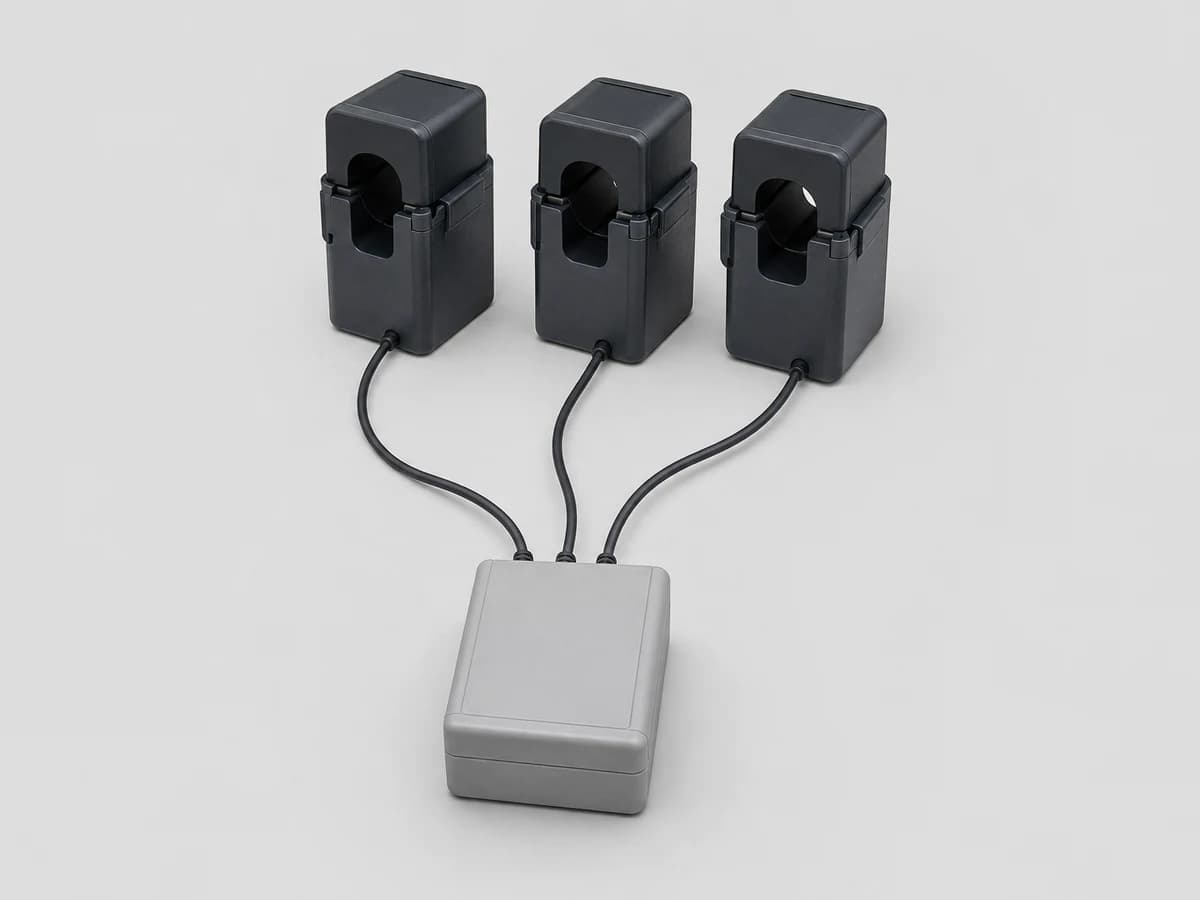
Supply presence, selected voltage or current measurements and backup alarms.
Device timeout, gateway heartbeat and last successful upstream delivery.
System design, software integration, PLC/SCADA programming and site installation responsibilities are agreed in the written project scope.
Data destination
Customer platform or an agreed third-party service
Path 1
Best for: Existing equipment with a small number of alarm relays.
Path 2
Best for: Controllers with documented status and fault registers.
Related hardware
The exact model, interface, enclosure and certificates are confirmed against the project before quotation.
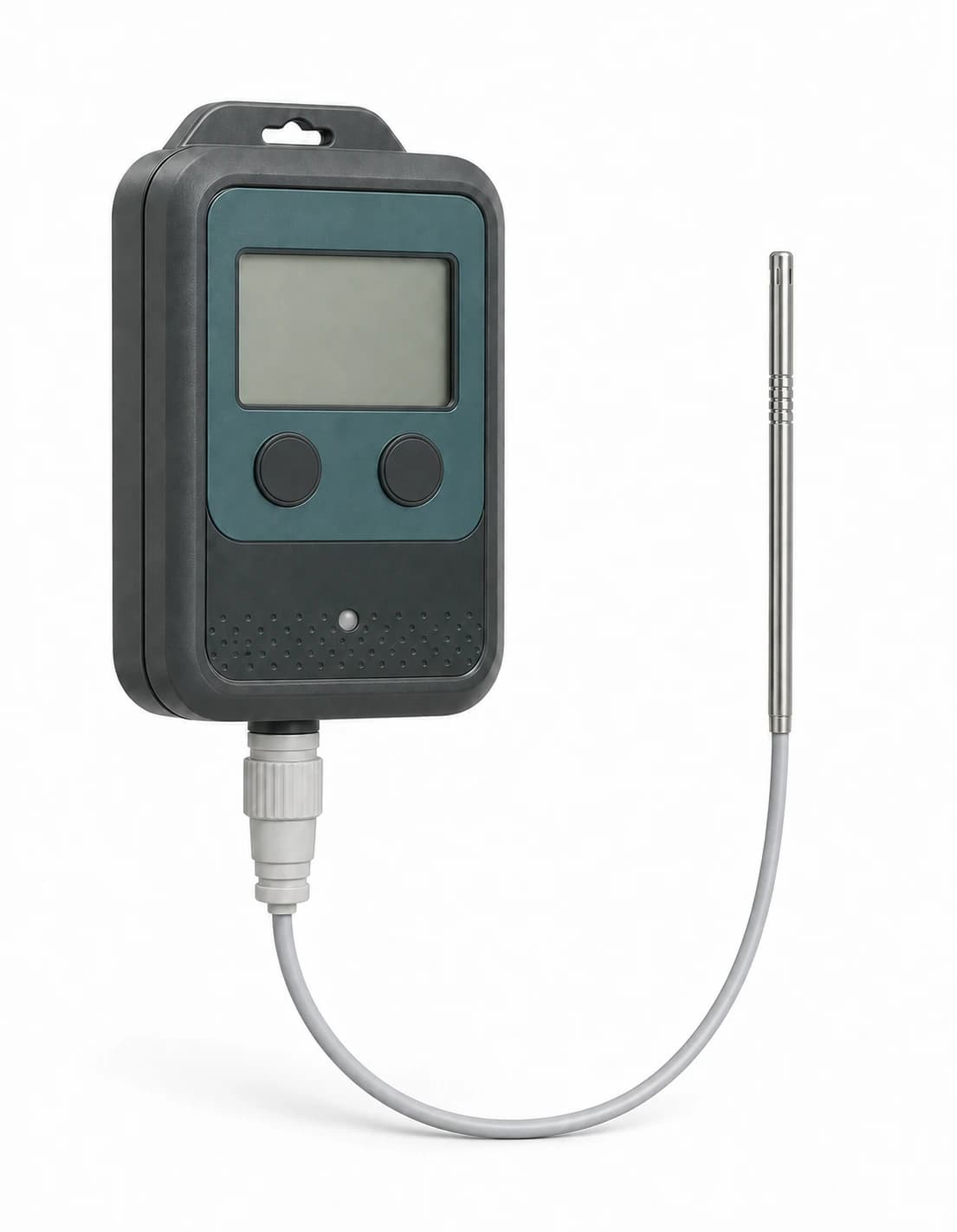
Battery-powered LoRaWAN temperature and humidity logger with built-in flash, BLE 5.0 setup, selectable regional bands and reviewed ±0.2 °C temperature accuracy.
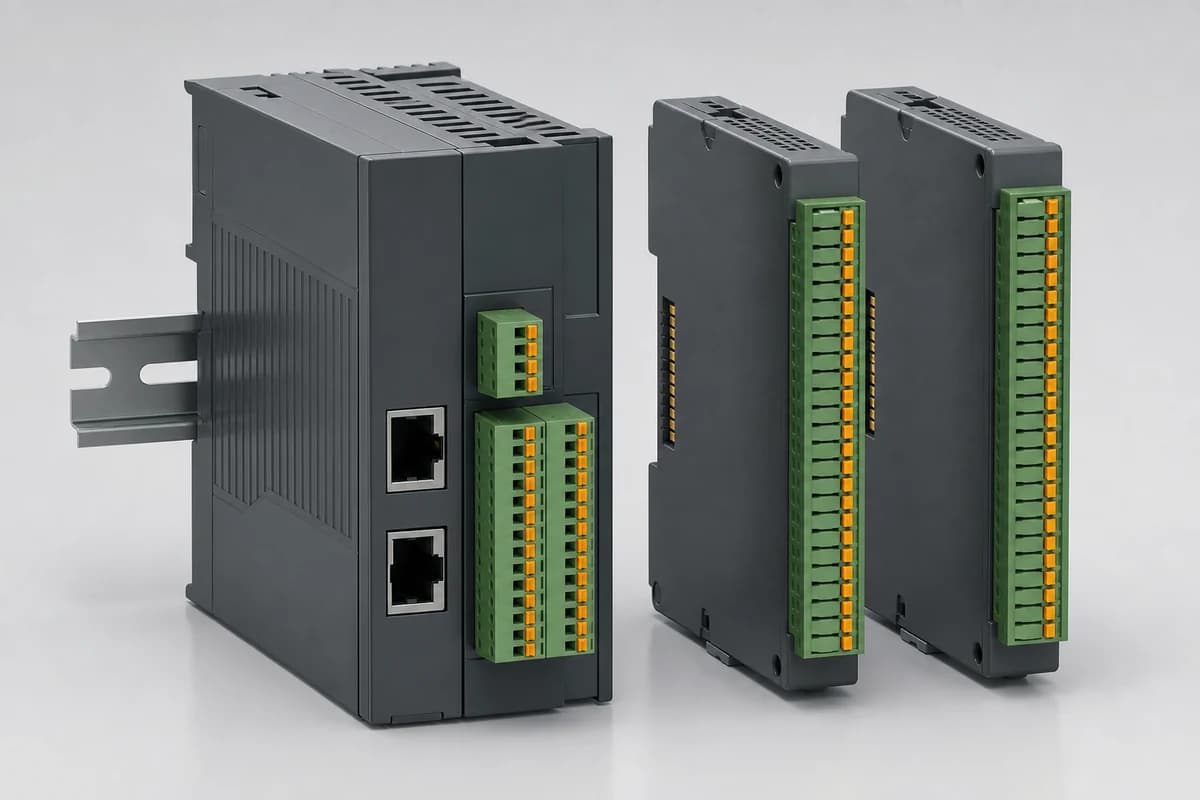
DIN-rail distributed I/O with separate PROFINET or EtherCAT coupler configurations and expansion modules selected from the project I/O schedule.
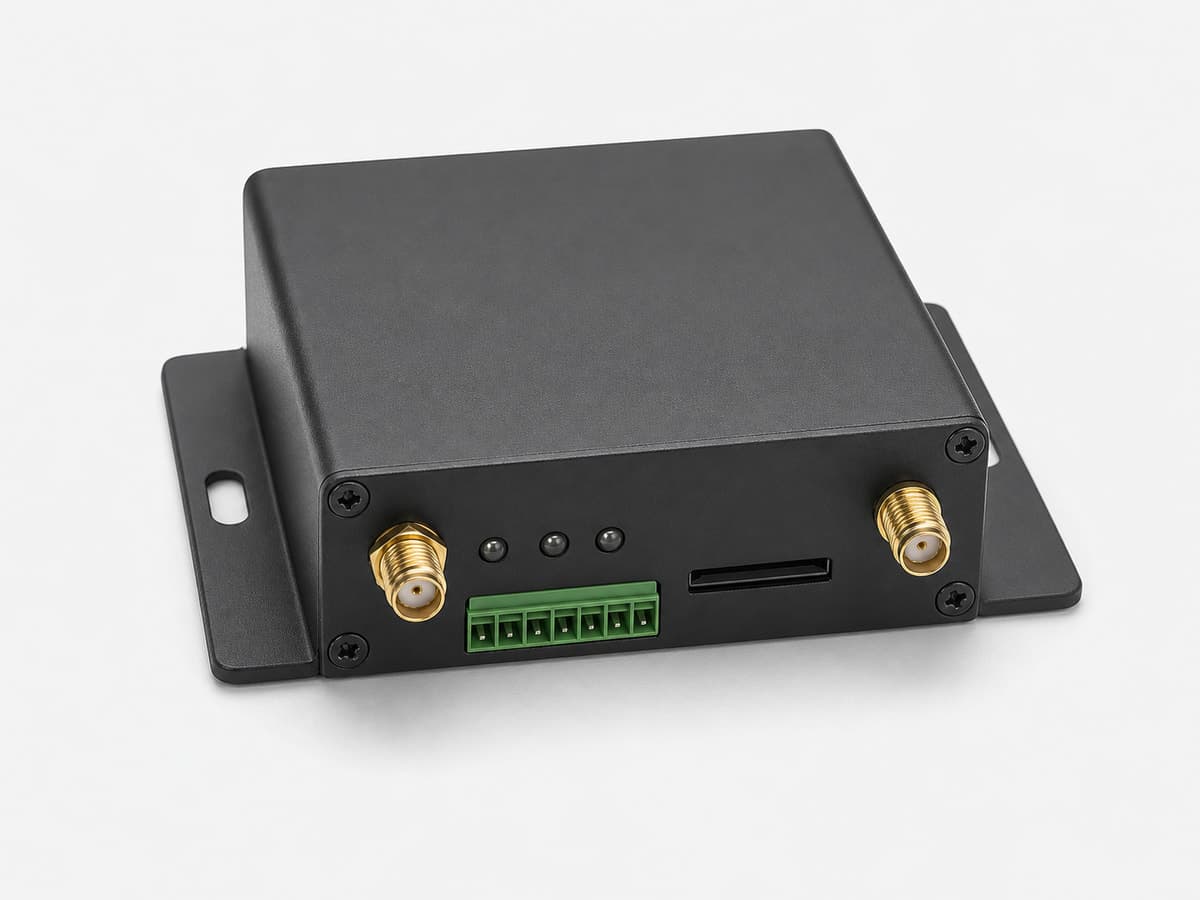
Cellular RTU gateway for pump stations, water telemetry and remote industrial monitoring — collects RS485, analog and digital signals and uploads data over 4G LTE.
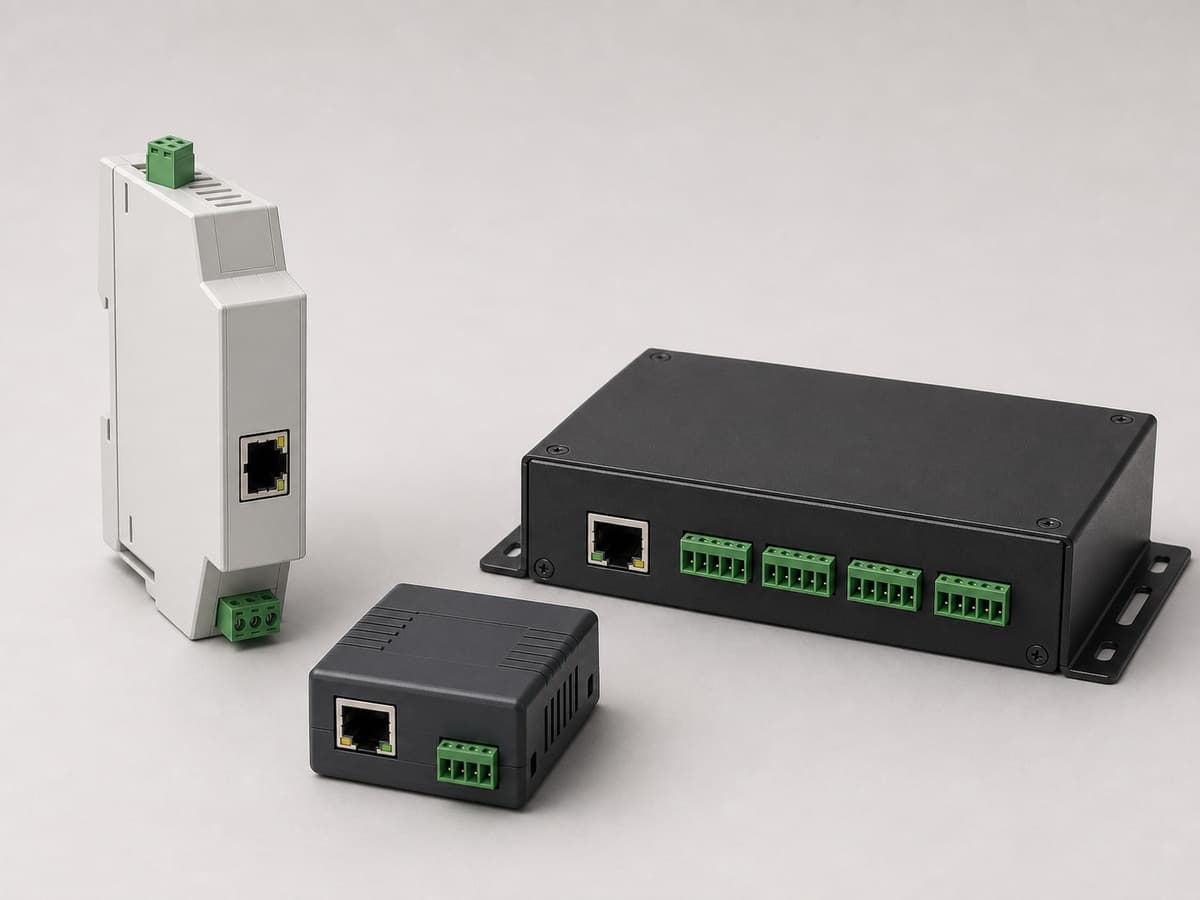
Connect RS485, RS232 or RS422 field devices to Ethernet with 1-, 2- or 8-port serial-server options for Modbus bridging and direct IP communication.
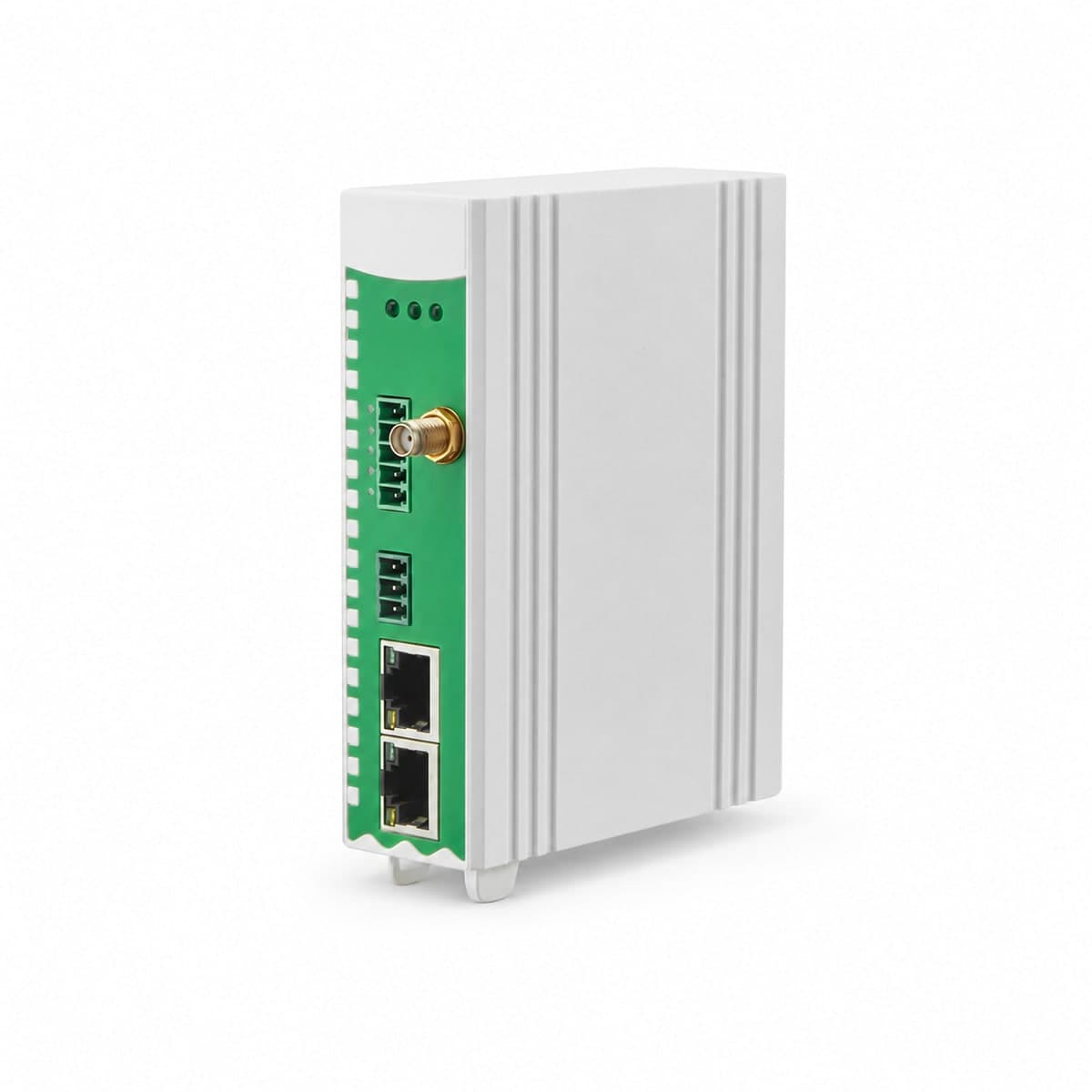
DIN-rail gateway for collecting Modbus data from RS485 / RS232 devices and sending it to MQTT, Modbus or OPC UA systems over Ethernet, optional 4G or Wi-Fi.
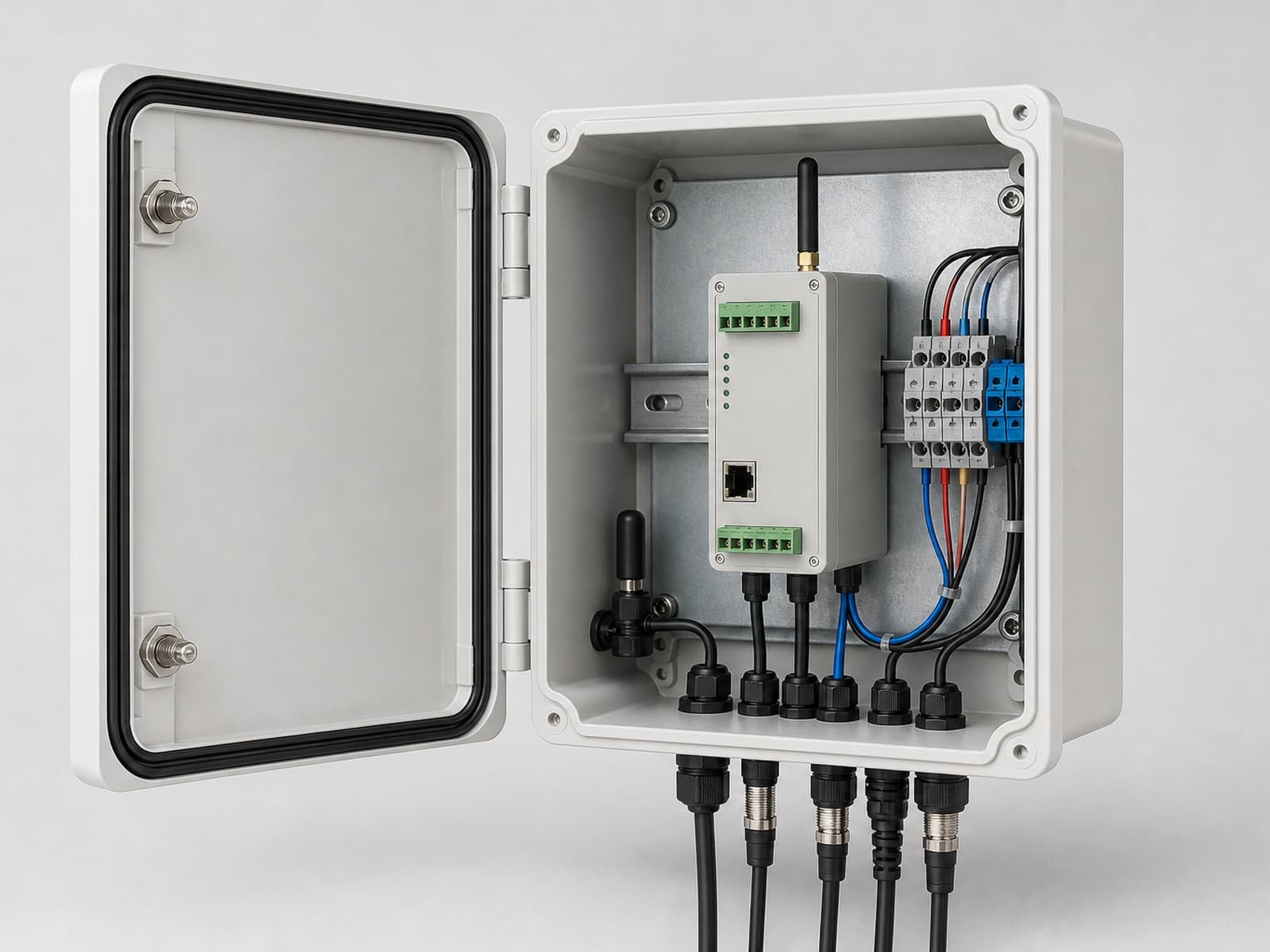
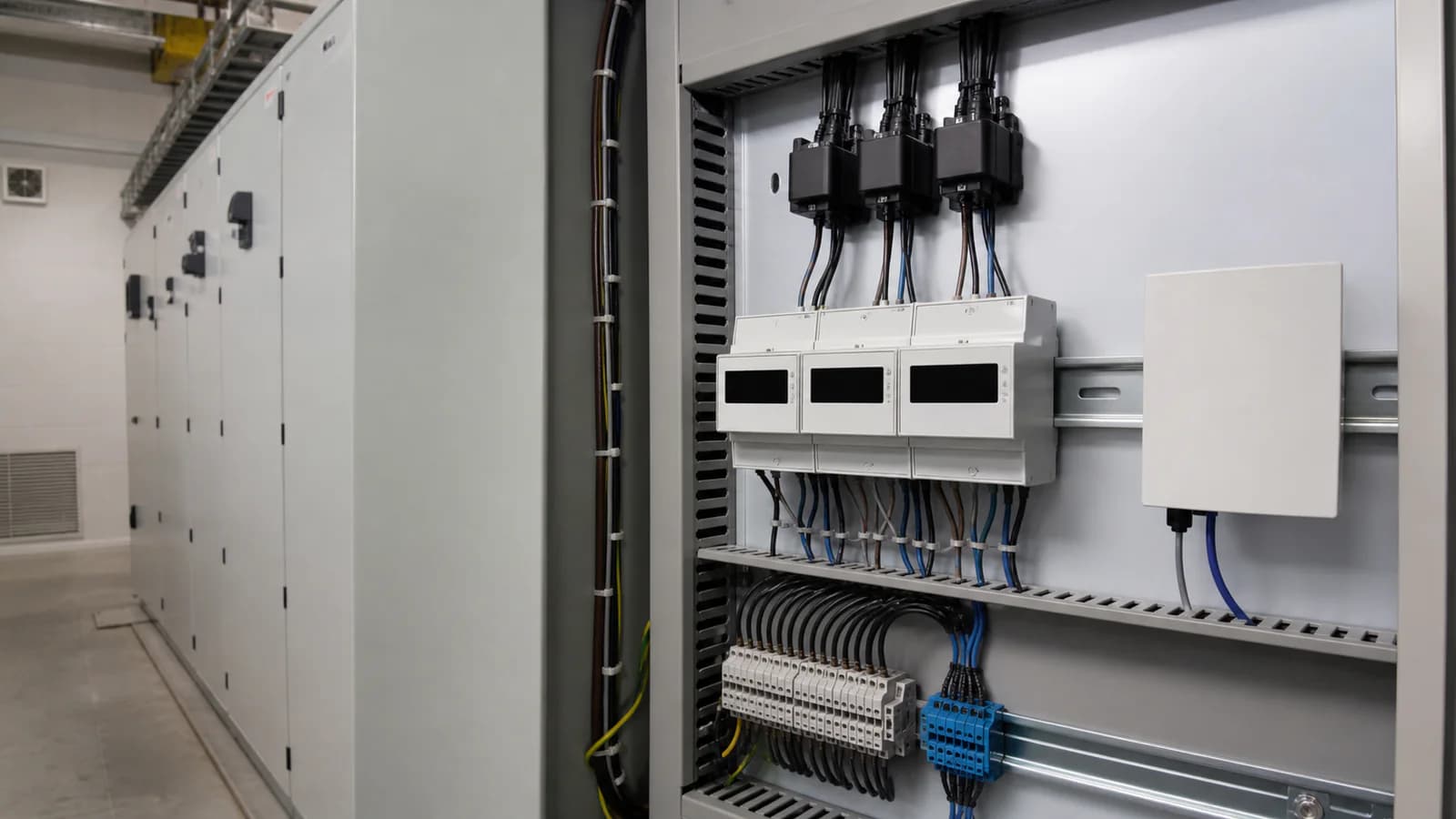
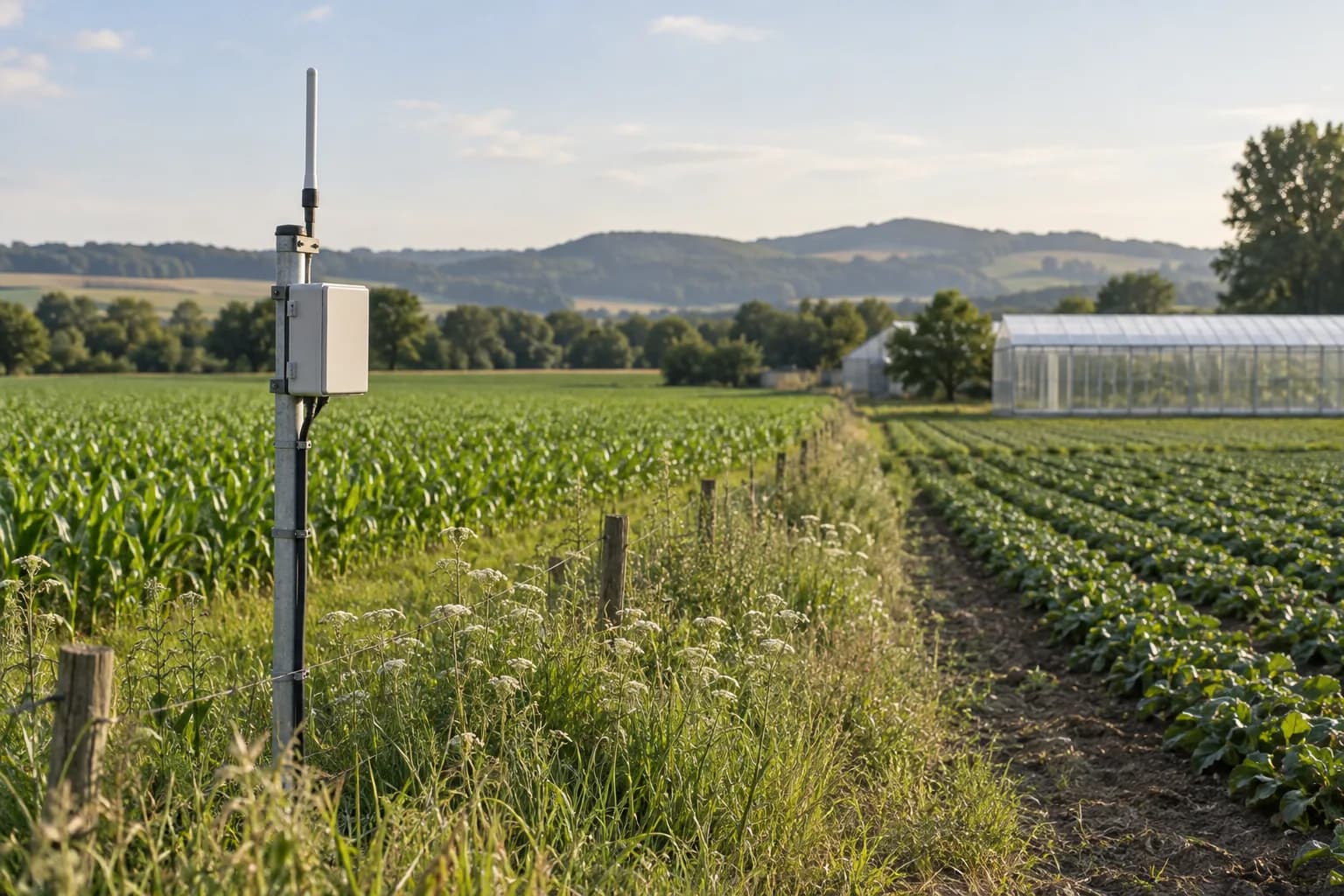
Outdoor enclosure integration for an RTU, gateway, power and field terminals. Material, dimensions, ingress target, thermal load, cable entries, protection, grounding and mounting are engineered from the actual bill of materials and site conditions.
Exact model, interfaces and enclosure are confirmed in the written quote.
Yes when its electrical characteristics and normal/alarm logic match the selected input module.
Yes when the endpoint, authentication, payload and retry requirements are provided. We can include the agreed software integration in the project scope.
Tell us who should receive the alerts and how they work. We can help assess a suitable service and agree integration, access and recurring costs before quoting.
Only if the chosen signal supports that conclusion. A run contact, current measurement and flow reading answer different questions. The point list defines what each event means and which checks the pilot must pass.
A communication-timeout alarm can be planned from the polling interval and approved offline threshold.
Start with a short description. A complete equipment list is not required.