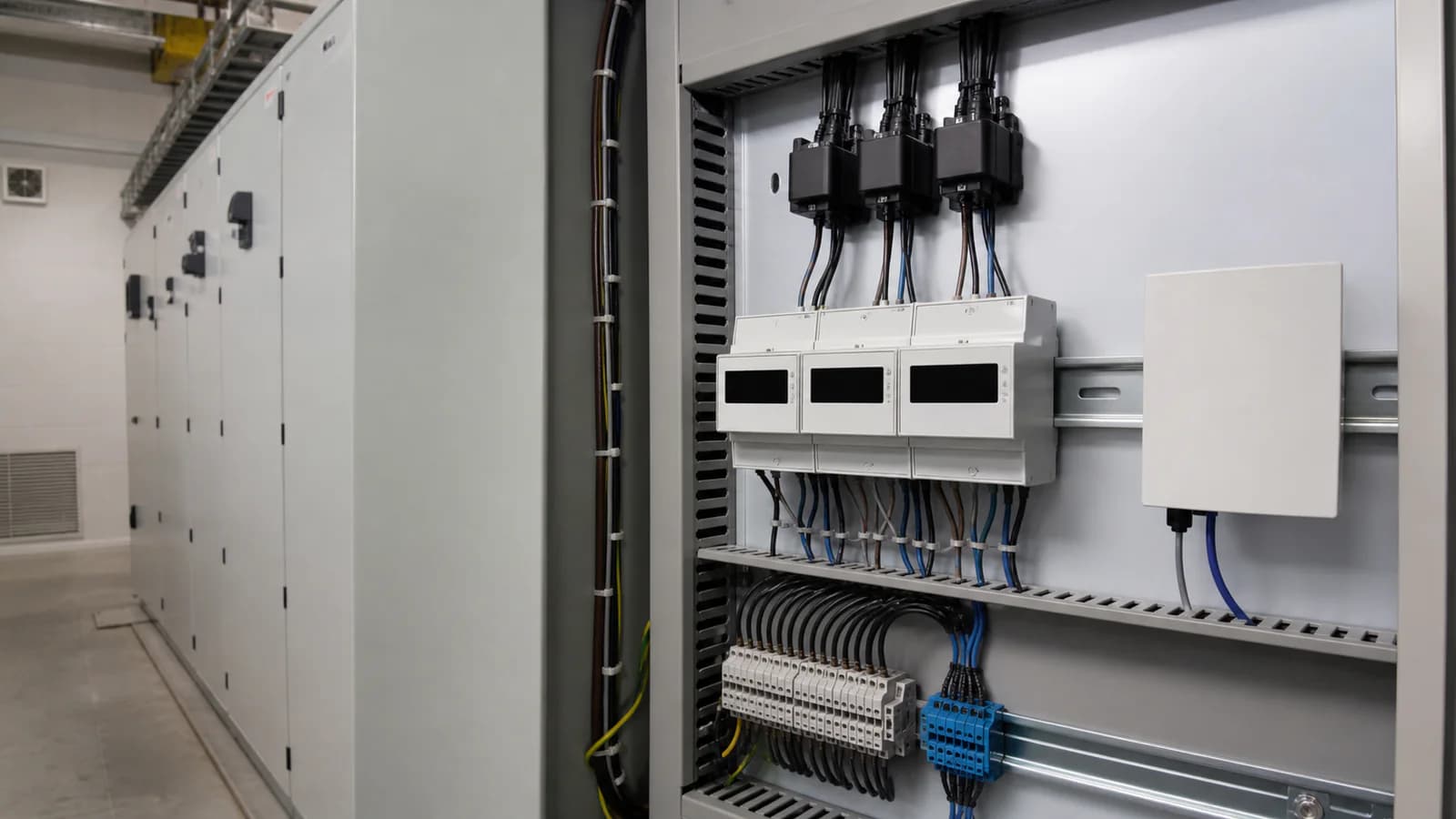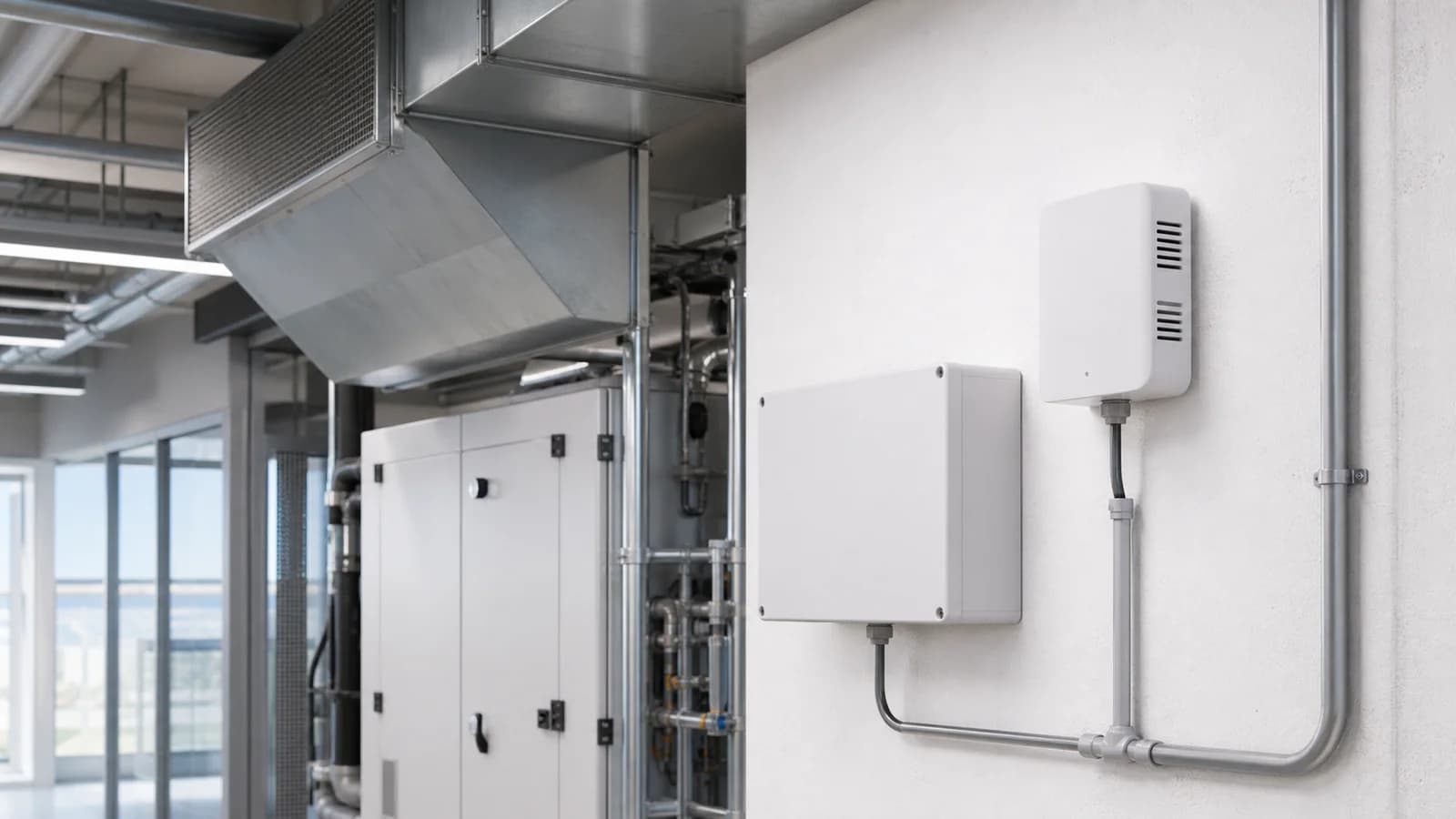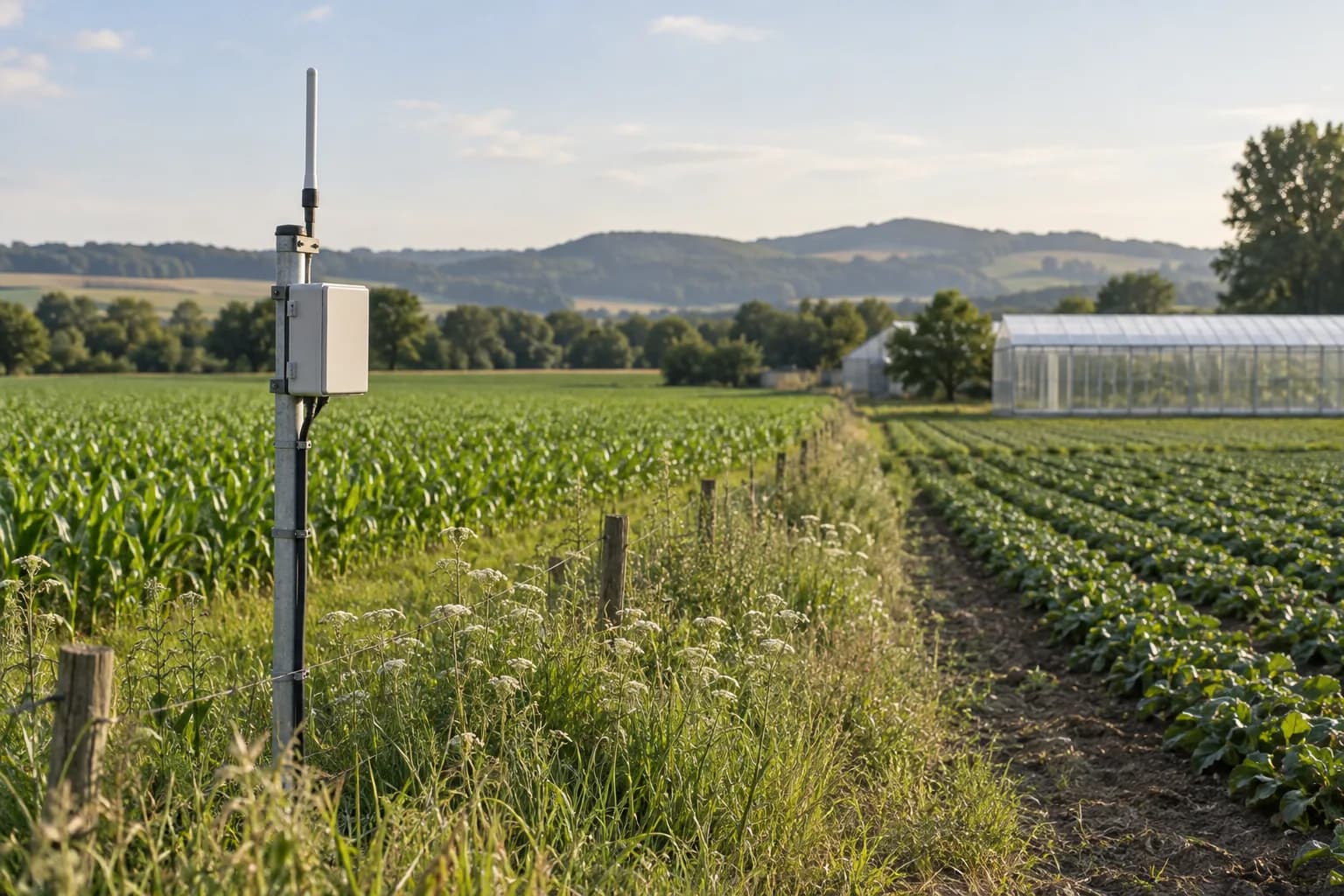
Connect separate fields and facilities
Review coverage, equipment identity and the path into your chosen platform.
Explore this requirement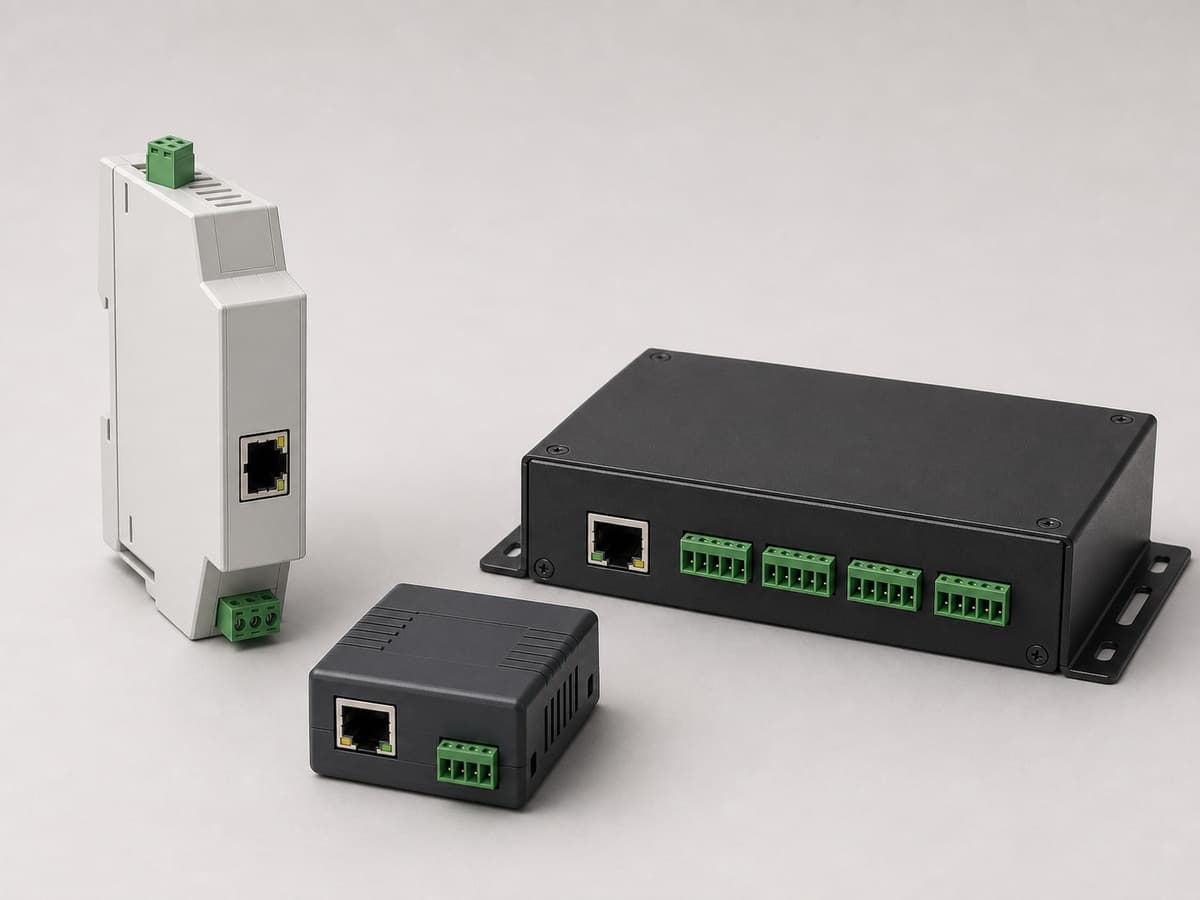
Connect RS485, RS232 or RS422 field devices to Ethernet with 1-, 2- or 8-port serial-server options for Modbus bridging and direct IP communication.
Appearance, connectors and included accessories follow the configuration confirmed in your quotation.
Related application hardware: Equipment Monitoring
Share your current model, a photo or the connection you need. We help assess interfaces, power and the required configuration.
Get selection & integration helpPublic documents describe this product family and selection options. Wiring, register maps and compliance documents must match the model and version selected for your order.
English · Web page · printable
Current online selection reference
Industrial Monitoring Hardware Catalog
PDF · English · 379 KiB
File revision: 2026-07-22 · 85c5f07896ab
Choose what you need. We first identify the model and revision, then confirm which documents can be supplied. The request does not imply that every document is available.
Compare uses, interfaces and configuration options. These are selection references.
An SG code helps identify a sourcing option; it is not a substitute for the manufacturer model or its certificate.
Confirm the exact model, configuration, photograph, document revisions, accessories, price, delivery and warranty.
Start with a short description. A complete equipment list is not required.
Review coverage, equipment identity and the path into your chosen platform.
Explore this requirement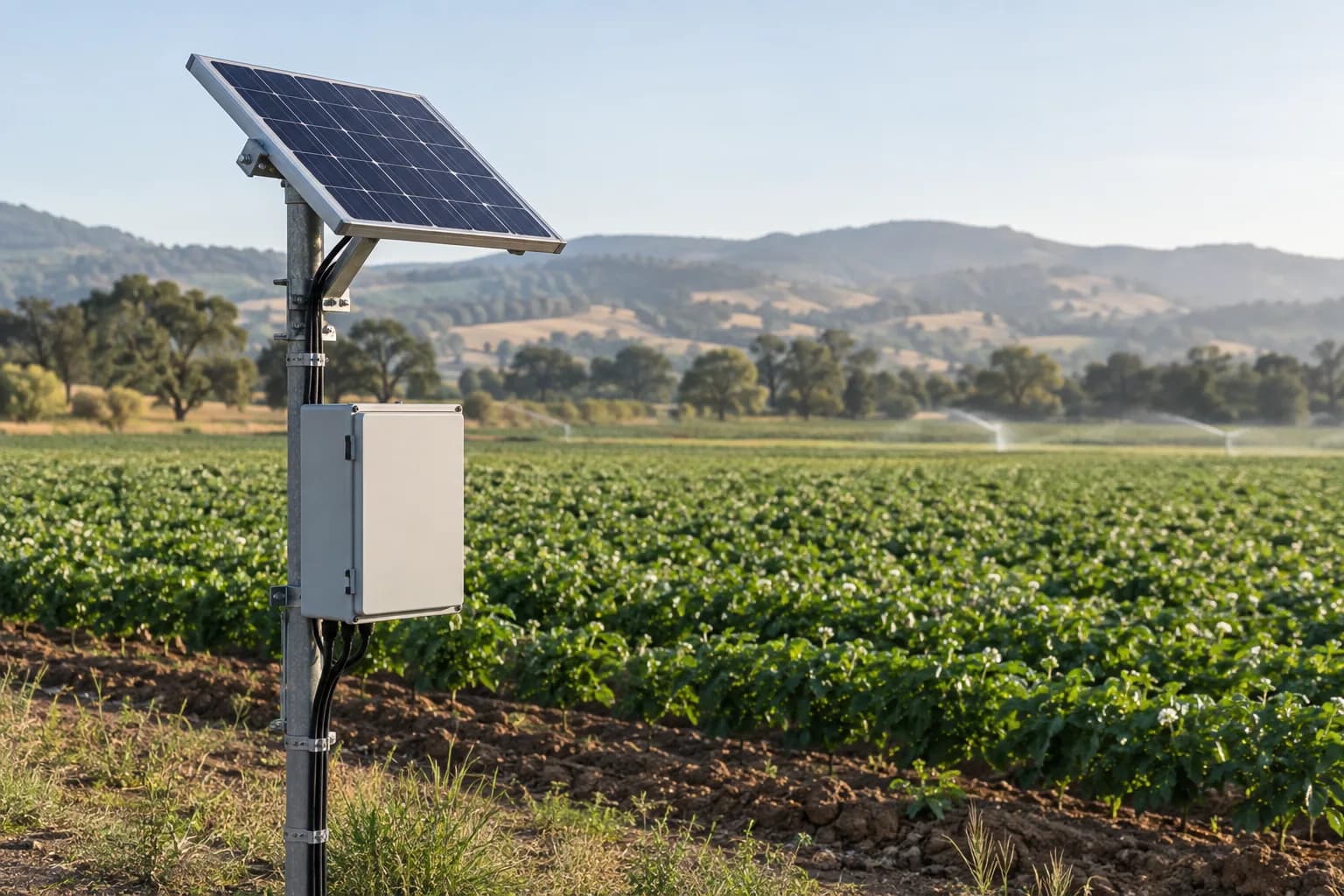
Size field power around the final equipment load, seasonal sunlight and visit interval.
Explore this requirementSystem design, software integration, PLC/SCADA programming and site installation responsibilities are agreed in the written project scope.
Data destination
Customer platform or an agreed third-party service
The written quotation ties the site requirement to one reviewed hardware configuration.
Site requirement
Application, medium, mounting and environment
Hardware configuration
Signal, protocol, power and enclosure
Quote confirmation
Model, quantity, certificates and delivery
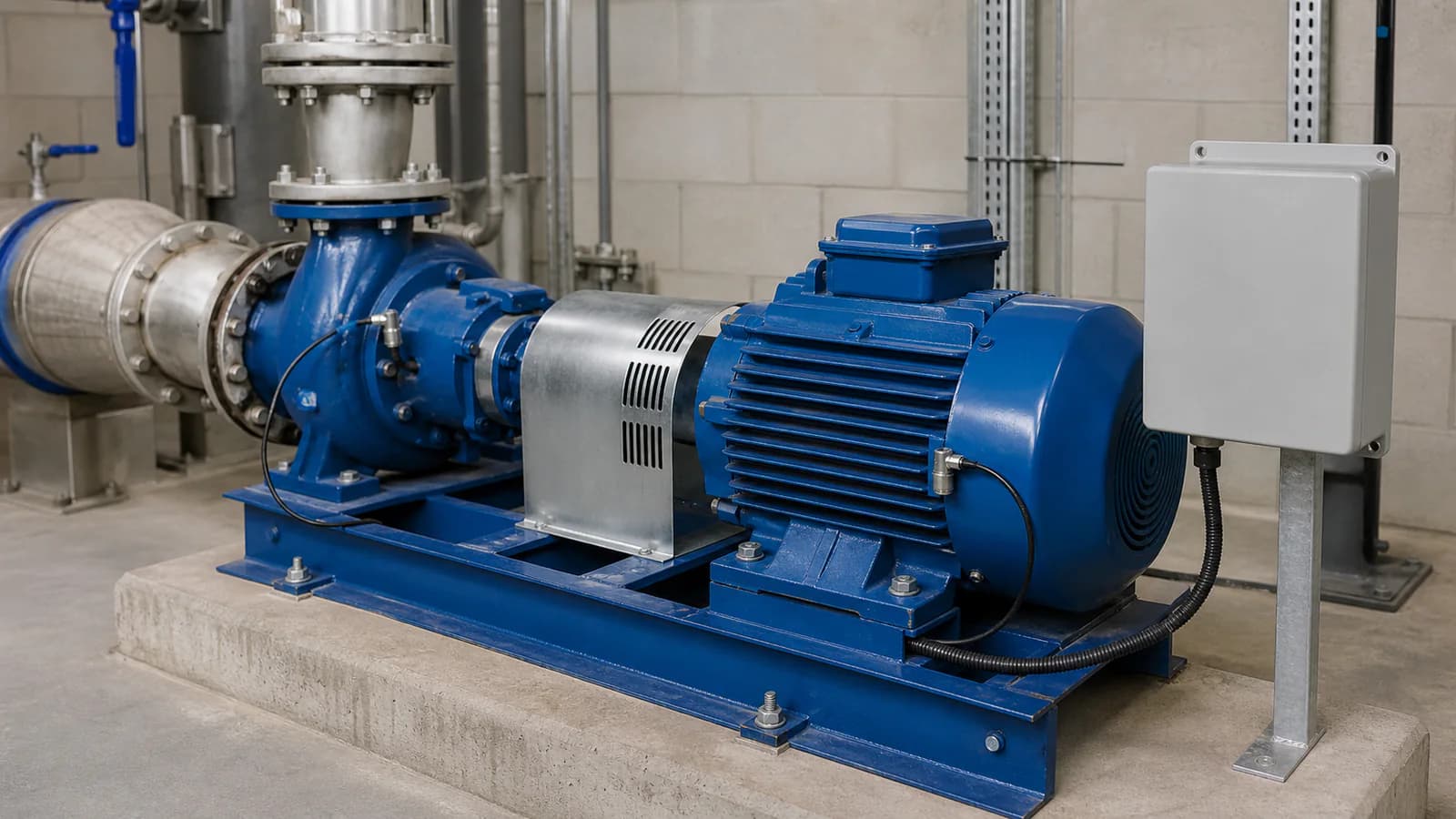
Machine monitoring context
Sensors, interfaces, enclosure, power and mounting are confirmed against the actual project before quotation.
The reviewed catalogue covers several related serial-server families. These limits prevent features from being carried from one variant to another.
Model-selection reference
Compare equipment options in this catalog section.
12 sourcing references from “RS485, Ethernet and cellular communication gateways”. Put an SG code in the RFQ so we can match the same catalog row.
SG-GW-101SG-GW-102SG-GW-103SG-GW-105SG-GW-106SG-GW-108SG-GW-112SG-GW-114SG-GW-115SG-GW-116SG-GW-117SG-GW-118Compare adjacent hardware families for the same monitoring path.
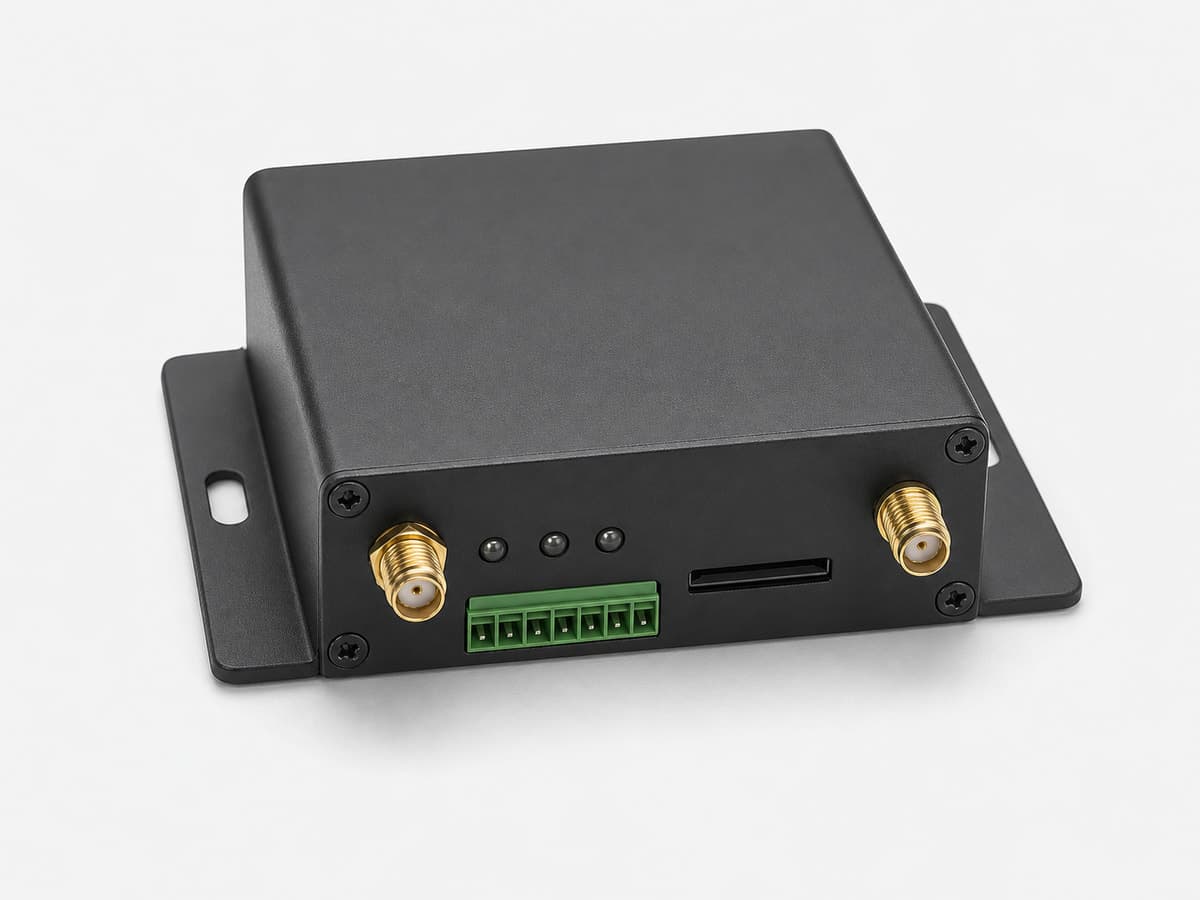
RTU / Remote I/O / Data Loggers & Industrial Gateways
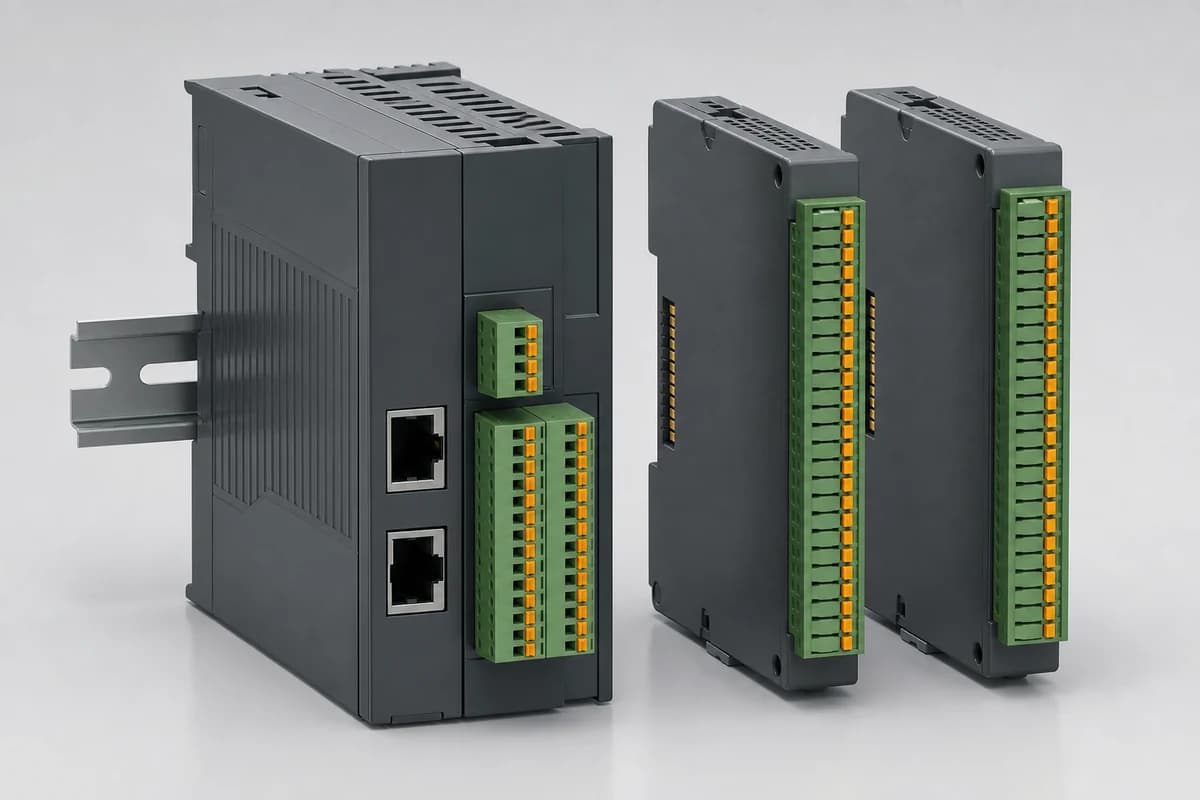
RTU / Remote I/O / Data Loggers & Industrial Gateways
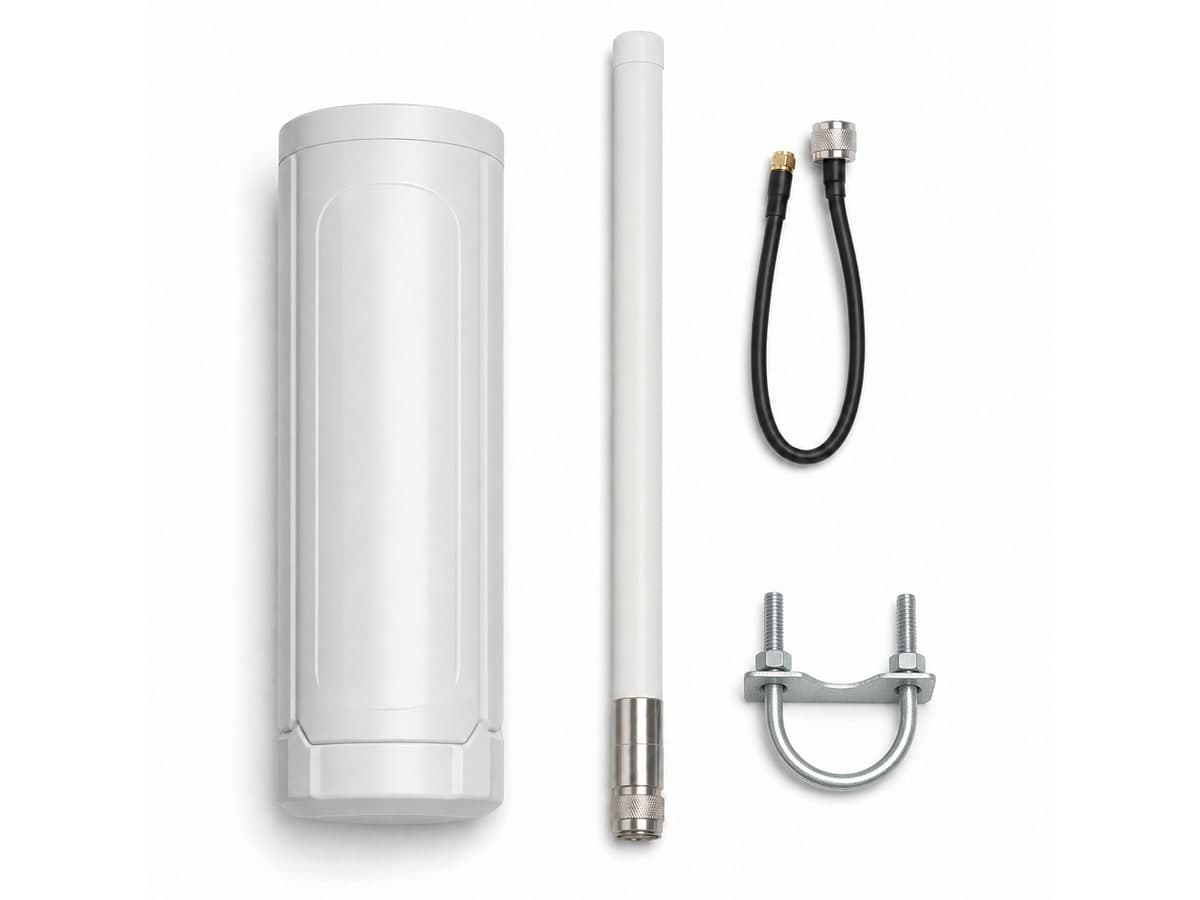
RTU / Remote I/O / Data Loggers & Industrial Gateways
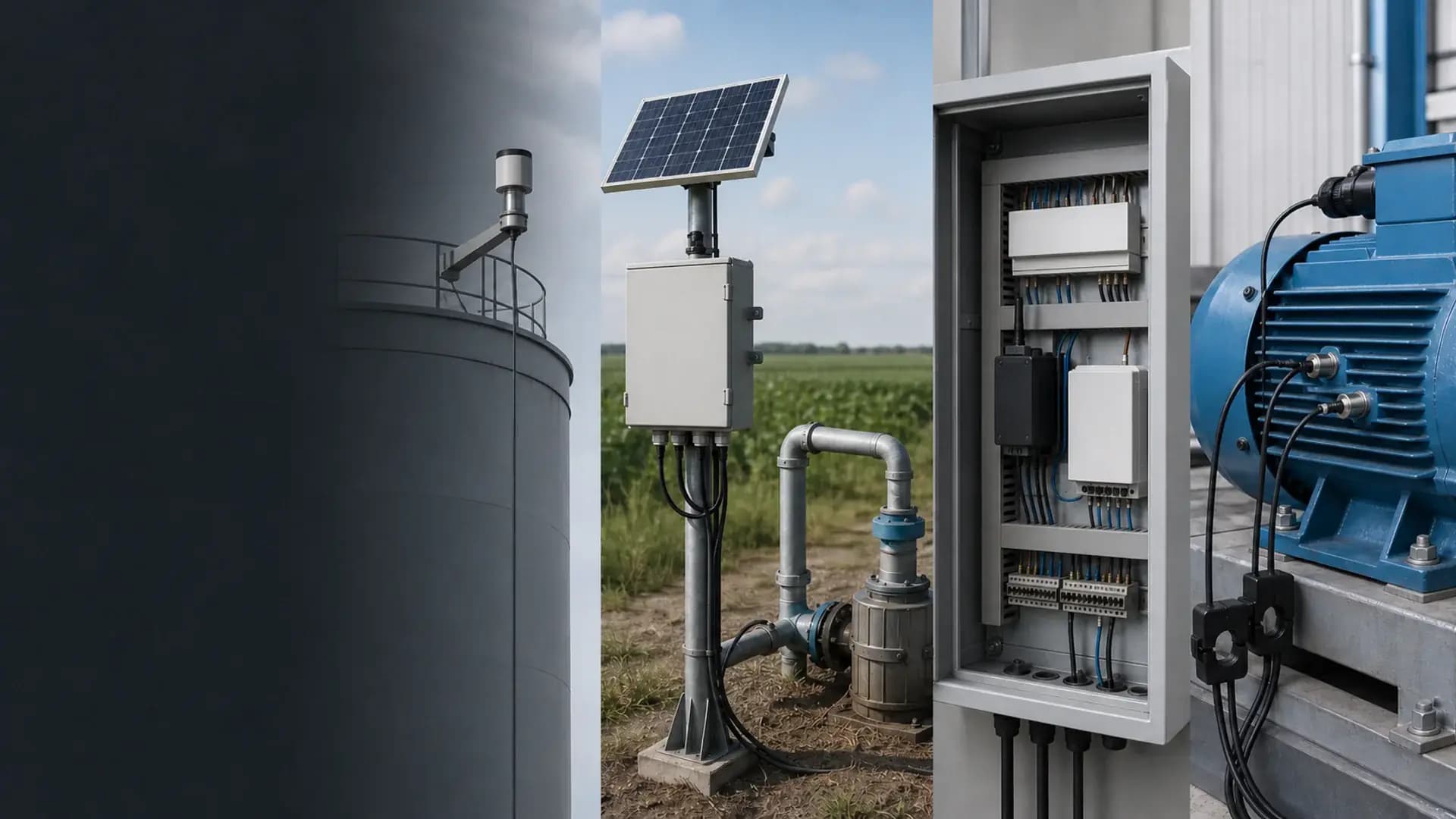
Use this family when installed serial devices need a direct Ethernet path without replacing the PLC, meter, sensor or controller. Select the port count, serial interface, Ethernet speed and protocol role from the actual field wiring and upstream system.
It connects an installed serial device or serial bus to an IP network. Depending on the selected configuration, it can tunnel serial data over TCP or UDP or bridge Modbus RTU devices to Modbus TCP.
The reviewed family includes 1-port, 2-port and 8-port configurations. Share the number of independent serial loops, devices per loop and serial settings so the correct option can be selected.
Yes. Modbus RTU/TCP gateway operation is part of the reviewed family scope. The device role, register workload, polling behavior and timeout settings still need to be confirmed for the project.
No. HTTP and MQTT are documented on selected families, not every enclosure or interface option. State the required upstream protocol in the RFQ so the quotation can name the matching configuration.
No. This family is intended for direct serial-to-Ethernet conversion and Modbus bridging. Use an edge IoT gateway when the project needs broader protocol handling, cellular backhaul, local processing or a reviewed outage queue.
BACnet is not part of the approved public facts for this family. If the BMS requires BACnet, include the BACnet object and version requirements in the RFQ so a separately verified gateway can be selected.
Yes when device roles, register maps, baud rate, polling load and the upstream protocol are documented. The gateway maps field devices; it does not invent a dashboard. Share the destination MQTT, Modbus TCP or API details before quotation.
No. RS485 is the electrical bus. Modbus RTU is a protocol commonly used on that bus. A quotation should confirm both the wiring and the register map, plus any Ethernet or MQTT handoff on the upstream side.
Serial interface, independent loop count and device count per loop; Baud rate, parity, stop bits, addresses and register list; Required Ethernet role: transparent TCP / UDP, Modbus TCP, HTTP or MQTT; Ethernet speed, IP plan, firewall and commissioning ownership
Open the Industrial Monitoring Hardware Catalog linked on this page. Use it to compare equipment options before requesting a configuration.
Compatibility is reviewed against your field signals, protocols and upstream platform. Typical pairings include RS485, RS232 or RS422 field devices, selected by configuration, Modbus RTU devices and Modbus TCP clients or servers, Ethernet networks using TCP or UDP.
Product-family reference. Final ordered model and specifications are confirmed in the written quotation.