From root-zone readings to irrigation decisions
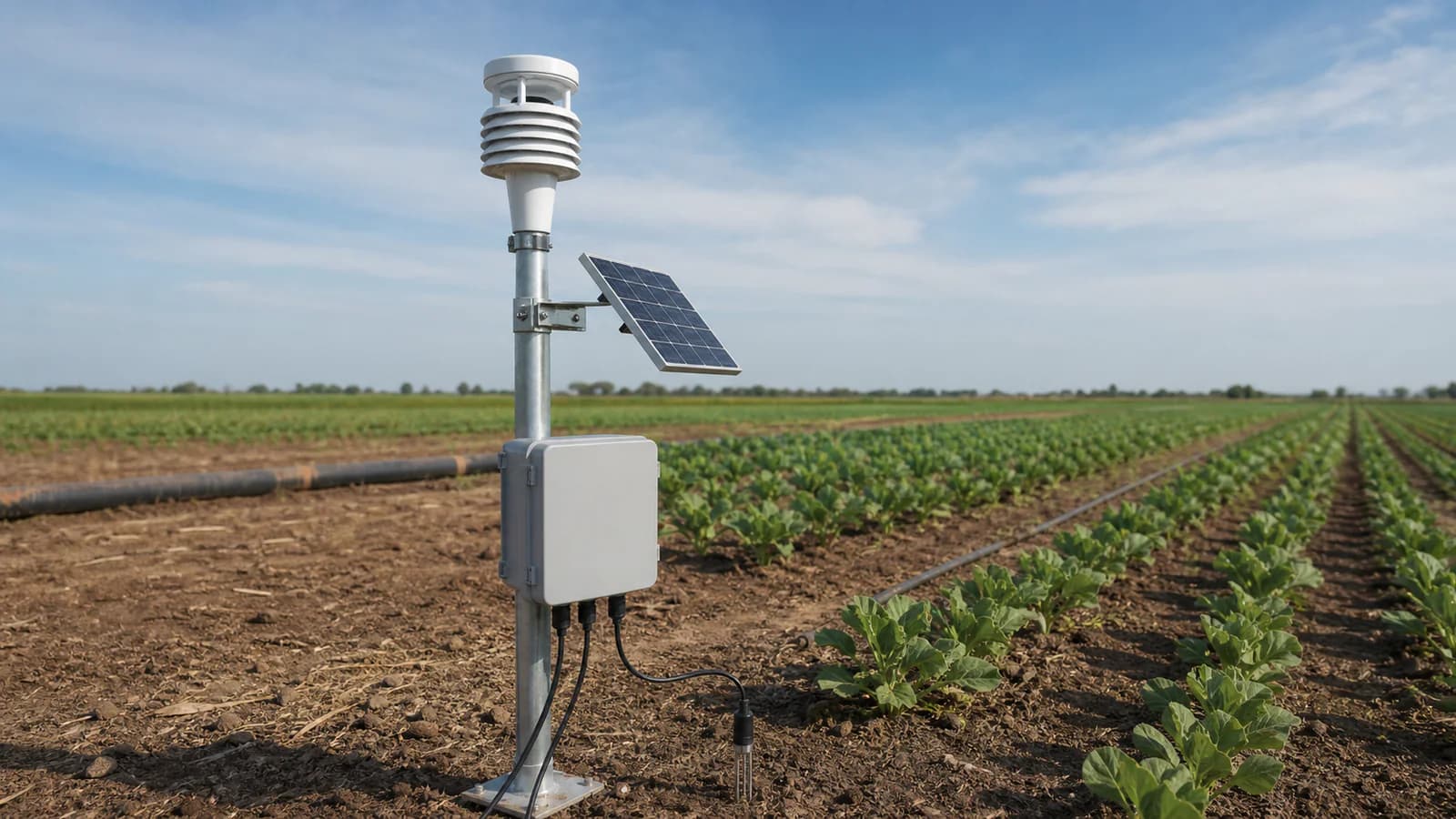
Choose useful measurement points around the crop, soil and irrigation zones.
Explore this requirement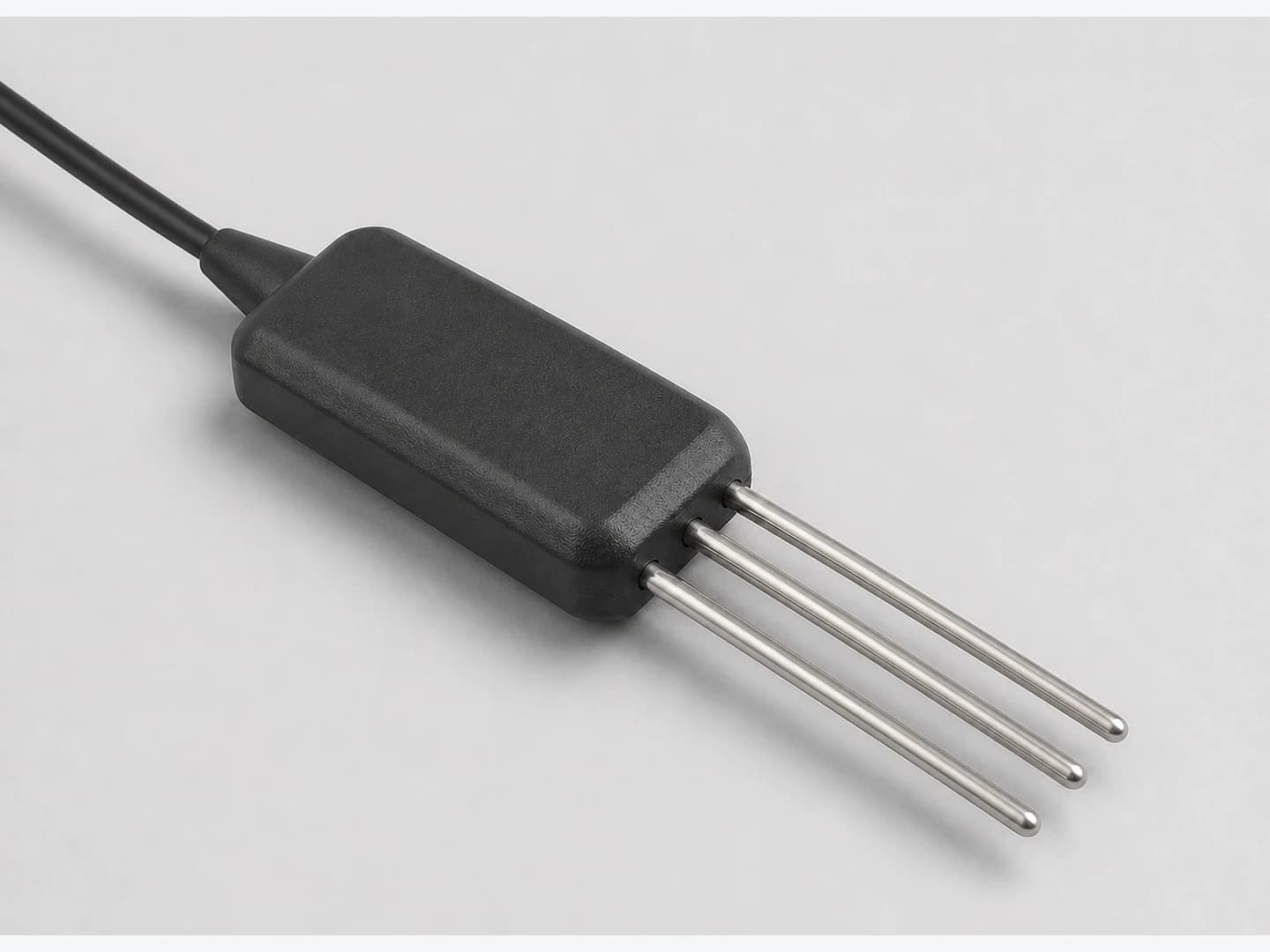
Three-parameter soil probe for moisture, -30 to +70 °C temperature and selectable EC ranges, with 0-2 V, RS485 Modbus RTU or SDI-12 output.
Appearance, connectors and included accessories follow the configuration confirmed in your quotation.
Related application hardware: Environmental Monitoring
Share your current model, a photo or the connection you need. We help assess interfaces, power and the required configuration.
Get selection & integration helpPublic documents describe this product family and selection options. Wiring, register maps and compliance documents must match the model and version selected for your order.
English · Web page · printable
Current online selection reference
Agriculture & Weather Hardware Catalog
PDF · English · 447 KiB
File revision: 2026-07-22 · afc637605e57
Choose what you need. We first identify the model and revision, then confirm which documents can be supplied. The request does not imply that every document is available.
Compare uses, interfaces and configuration options. These are selection references.
An SG code helps identify a sourcing option; it is not a substitute for the manufacturer model or its certificate.
Confirm the exact model, configuration, photograph, document revisions, accessories, price, delivery and warranty.
Start with a short description. A complete equipment list is not required.
Choose useful measurement points around the crop, soil and irrigation zones.
Explore this requirement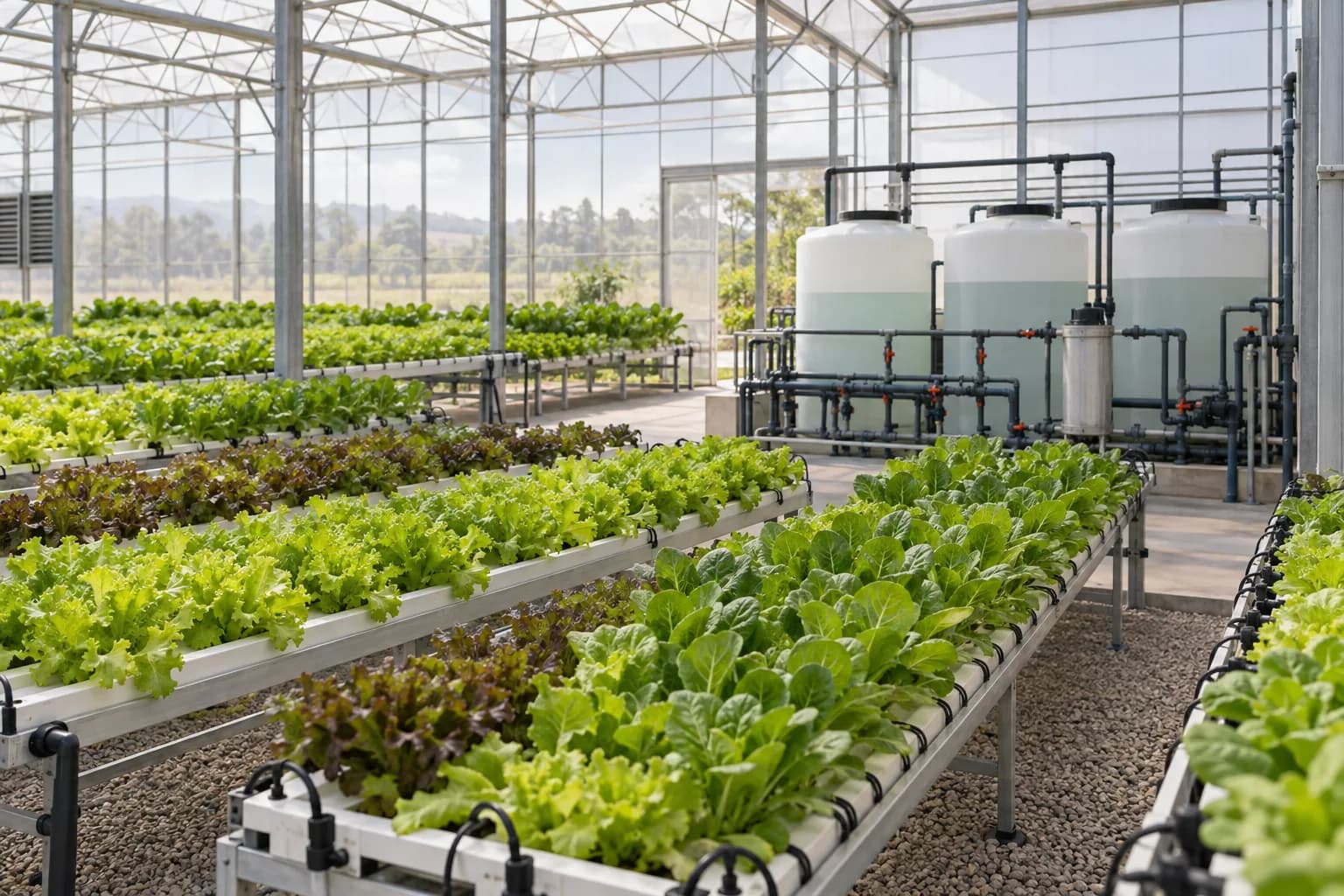
Bring climate, root-zone and fertigation data together while preserving existing controls.
Explore this requirementSystem design, software integration, PLC/SCADA programming and site installation responsibilities are agreed in the written project scope.
Data destination
Customer platform or an agreed third-party service
The written quotation ties the site requirement to one reviewed hardware configuration.
Site requirement
Application, medium, mounting and environment
Hardware configuration
Signal, protocol, power and enclosure
Quote confirmation
Model, quantity, certificates and delivery
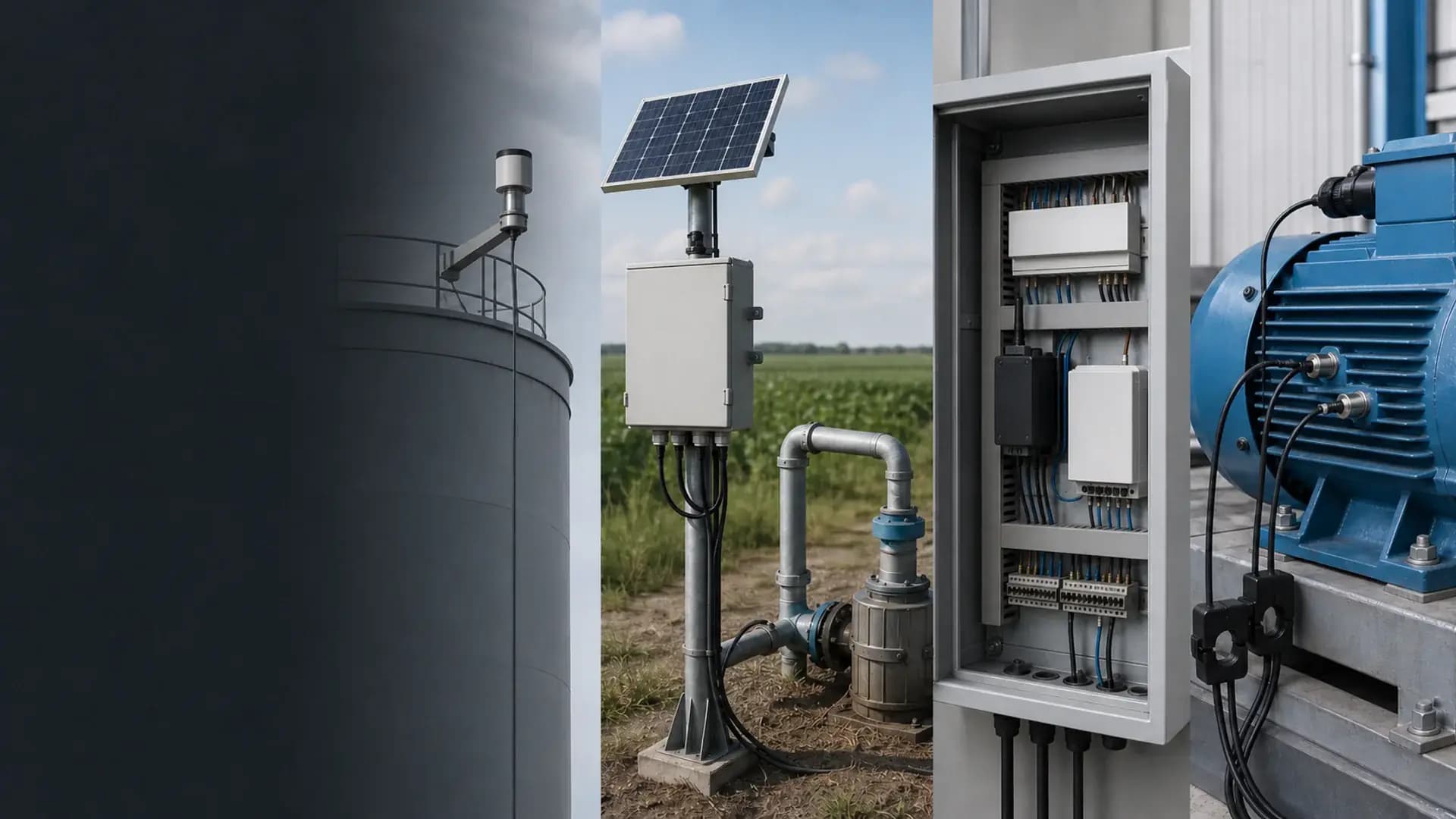
Remote integration context
Sensors, interfaces, enclosure, power and mounting are confirmed against the actual project before quotation.
Range, wiring and installation method affect whether readings can be compared over time.
Model-selection reference
Compare equipment options in this catalog section.
30 sourcing references from “Soil and crop parameter sensors”. Put an SG code in the RFQ so we can match the same catalog row.
SG-SOIL-120SG-SOIL-121SG-SOIL-118SG-SOIL-110SG-SOIL-113SG-SOIL-111SG-SOIL-112SG-SOIL-105SG-SOIL-106SG-SOIL-129SG-SOIL-127SG-SOIL-125SG-SOIL-114SG-SOIL-126SG-SOIL-115SG-SOIL-128SG-SOIL-119SG-SOIL-107SG-SOIL-108SG-SOIL-109SG-SOIL-117SG-SOIL-116SG-SOIL-104SG-SOIL-101SG-SOIL-102SG-WS-101SG-WS-102SG-WS-104SG-WS-105SG-WS-106Compare adjacent hardware families for the same monitoring path.
This three-rod probe measures soil moisture, soil temperature and an in-situ electrical-conductivity signal at one sensing point. Moisture uses the FDR method and EC uses AC excitation. Select one moisture range, one EC range and one output before quotation. The field EC reading is useful for trends and comparisons under a defined soil and moisture condition; it is not, by itself, a laboratory soil-salinity result.
Use RS485 Modbus RTU for a digital multi-drop field bus, SDI-12 for a compatible environmental logger, or 0-2 V for a short analog signal path. Only one output is selected for the ordered configuration.
The reviewed soil-temperature measurement range is -30 to +70 °C with ±0.5 °C accuracy and 0.1 °C resolution. The separate -40 to +80 °C value describes the operating environment, not the measurement range.
Insert them into undisturbed soil with close contact on all sides, avoid stones and do not rock the probe. Use vertical insertion from the surface or horizontal insertion into a prepared pit wall, then document depth and orientation for repeatable comparisons.
No. It is an in-situ conductivity signal that changes with soil type, moisture, temperature and installation. It supports field trends and comparisons when the method is controlled; certified salinity results require the appropriate laboratory procedure.
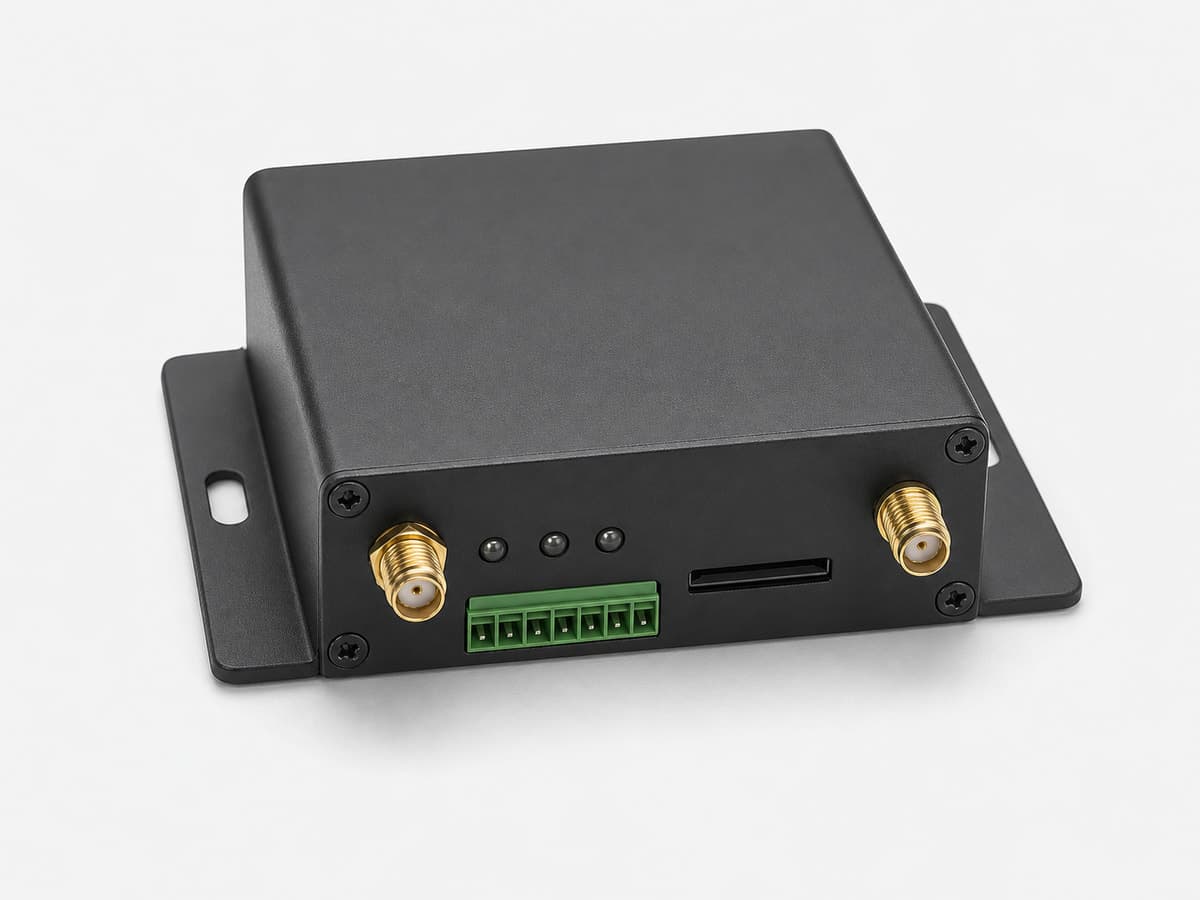
Connect the selected sensor output to a compatible logger or RTU, then use the RTU or gateway for 4G, Ethernet or another uplink. The register map, device address, analog scaling, cable, power and reporting interval are checked as one signal chain.
Root-zone depths, number and layout of sensing points; Soil type, expected moisture range and EC comparison objective; Selected moisture range, EC range and 0-2 V / RS485 / SDI-12 output; Logger or RTU input, device addressing, sampling interval, cable length and supply
Open the Agriculture & Weather Hardware Catalog linked on this page. Use it to compare equipment options before requesting a configuration.
Compatibility is reviewed against your field signals, protocols and upstream platform. Typical pairings include RS485 Modbus RTU masters using the reviewed register map and selected device address, SDI-12 data loggers using the matching ordered interface, 0-2 V analog inputs with a compatible supply and common signal ground.
Product-family reference. Final ordered model and specifications are confirmed in the written quotation.