
Industrial IoT resource
Industrial IoT Temperature Monitoring Gateway
Compare LoRaWAN, RS485, NB-IoT and 4G temperature gateway options for cold rooms, cabinets and equipment, with MQTT/SCADA data and remote alarms.
1. Purpose
Collect cold-room, cabinet and equipment temperatures and send high, low and offline alarms.
2. Suitable sites
Cold rooms, cabinets, warehouses and remote equipment rooms using LoRaWAN, RS485, NB-IoT or 4G.
3. What to send
Tell us what needs temperature monitoring and the country. Sensor, network and alarm details can follow during selection.
Need help choosing equipment?
Send your device models, available power and network, and where the data needs to go. We can help select compatible equipment.
When to use this guide
Use this guide to choose how sensors in cold rooms, cabinets, warehouses or remote equipment rooms connect to your monitoring system.
Relevant products
Product-family photos. See each product page for specifications and options.
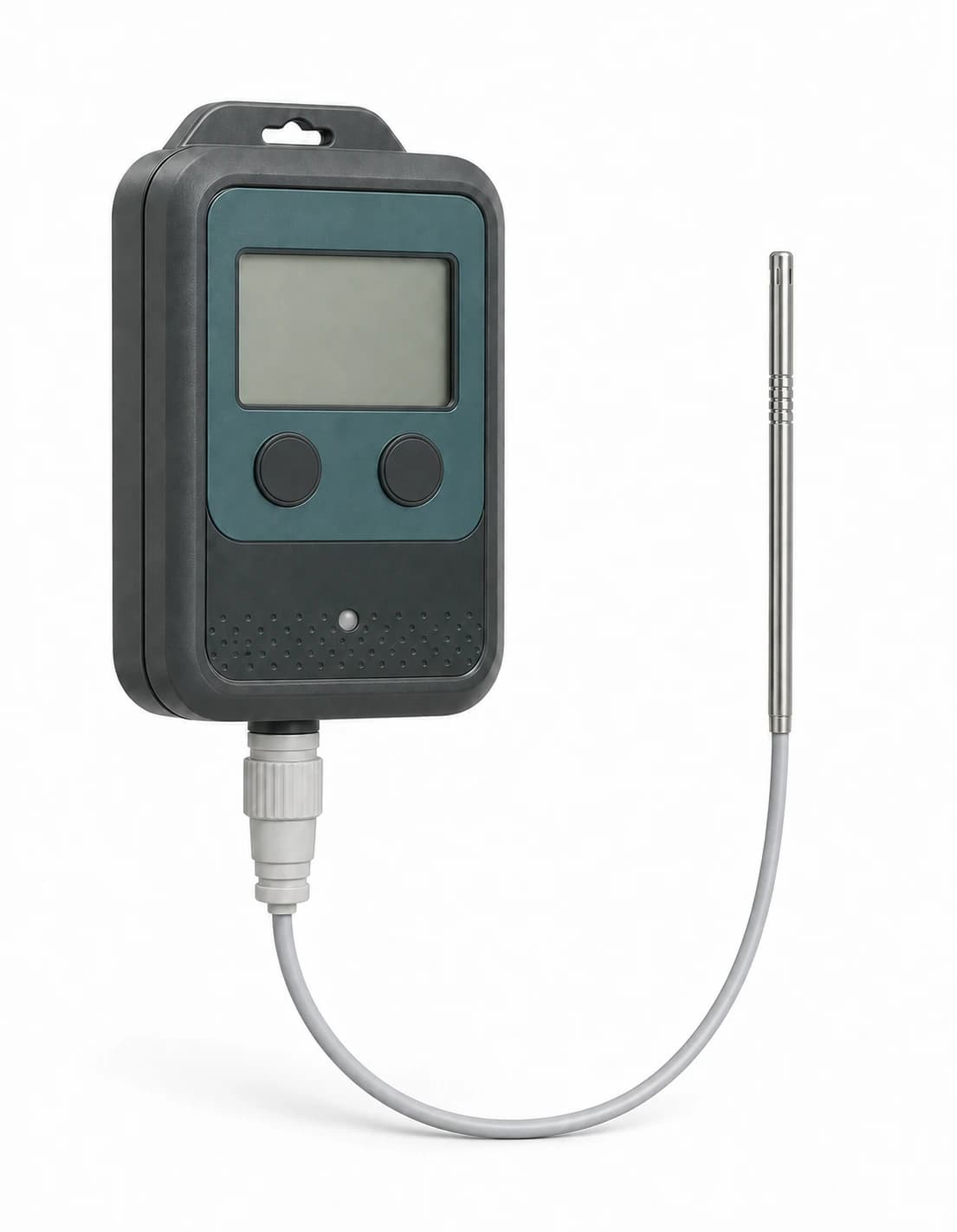
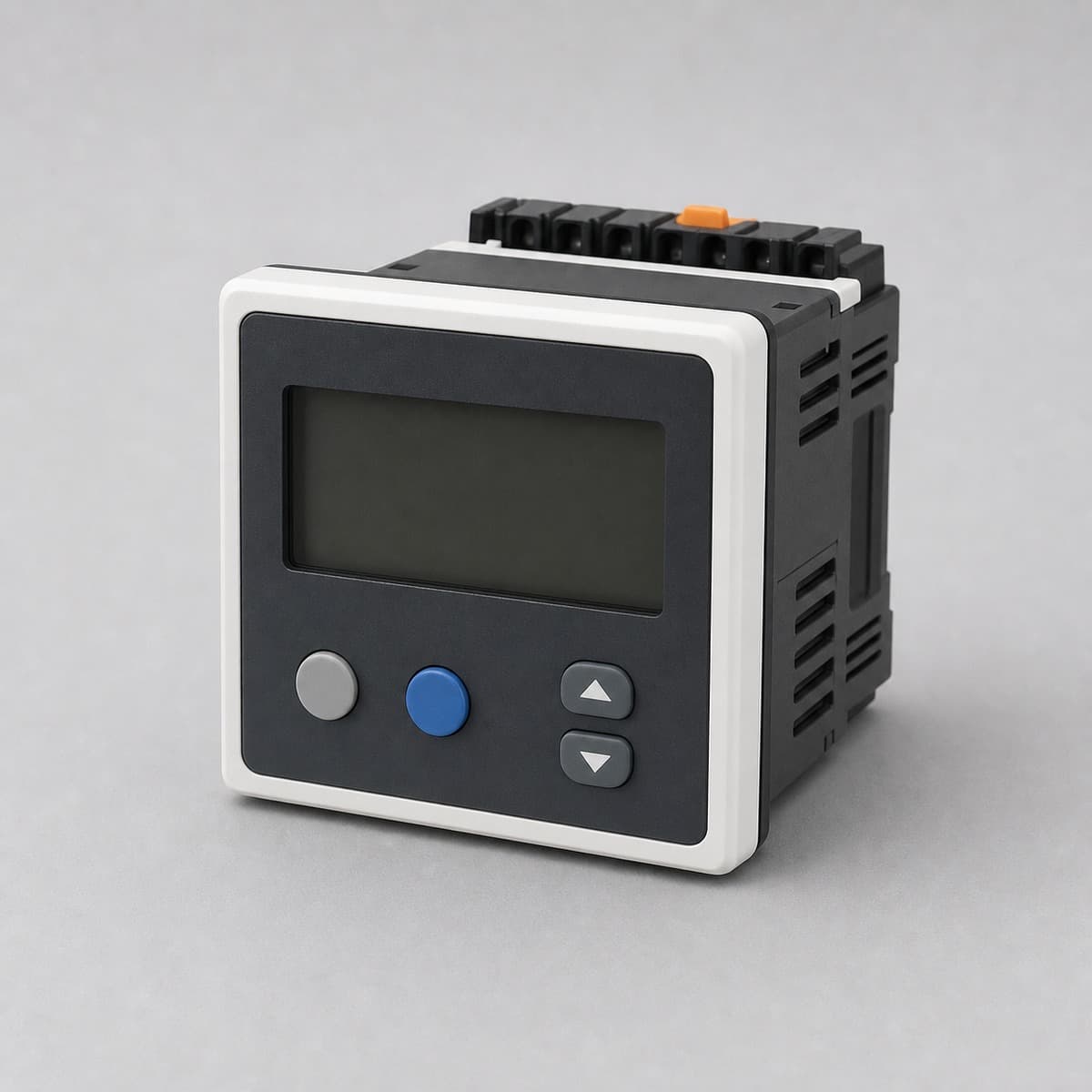
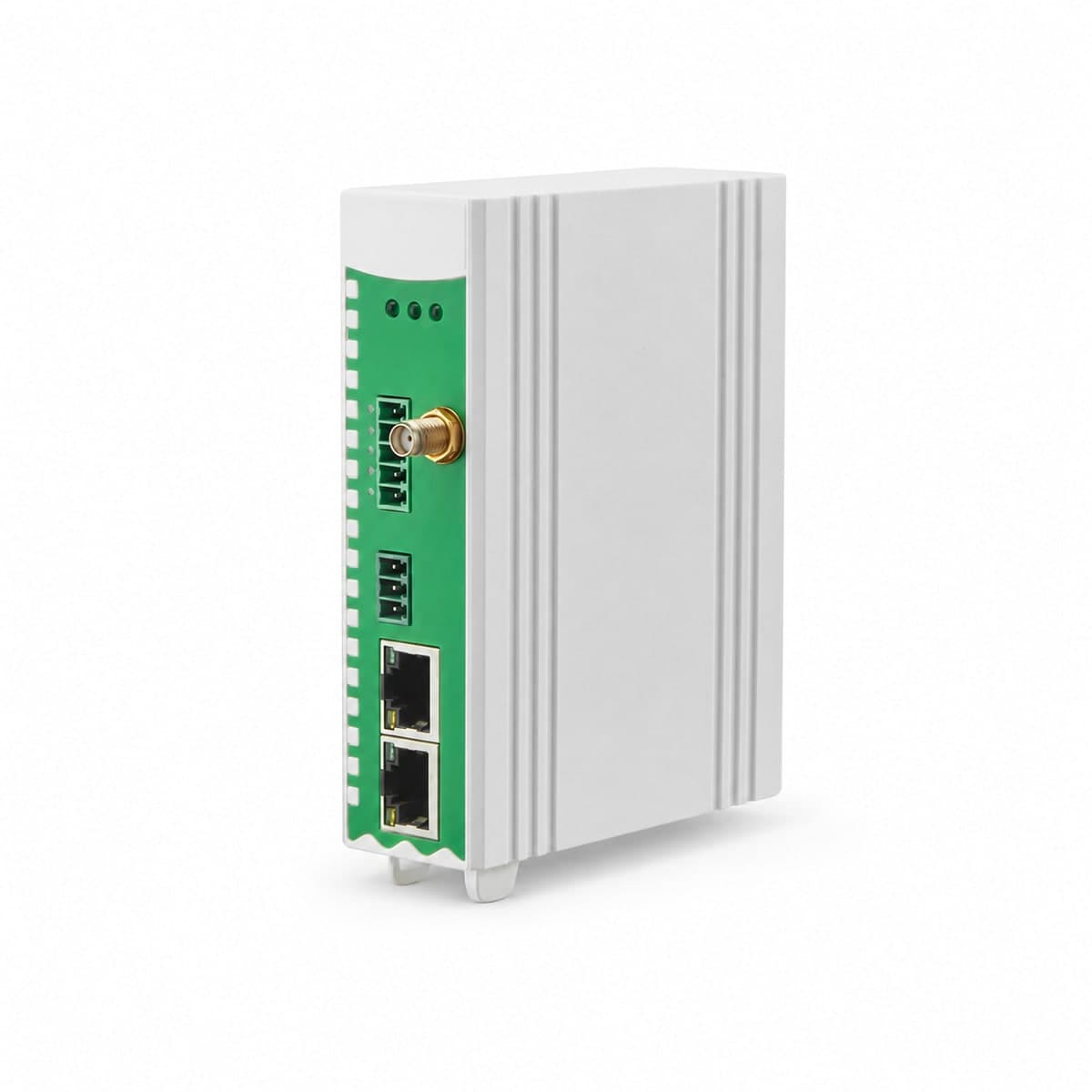
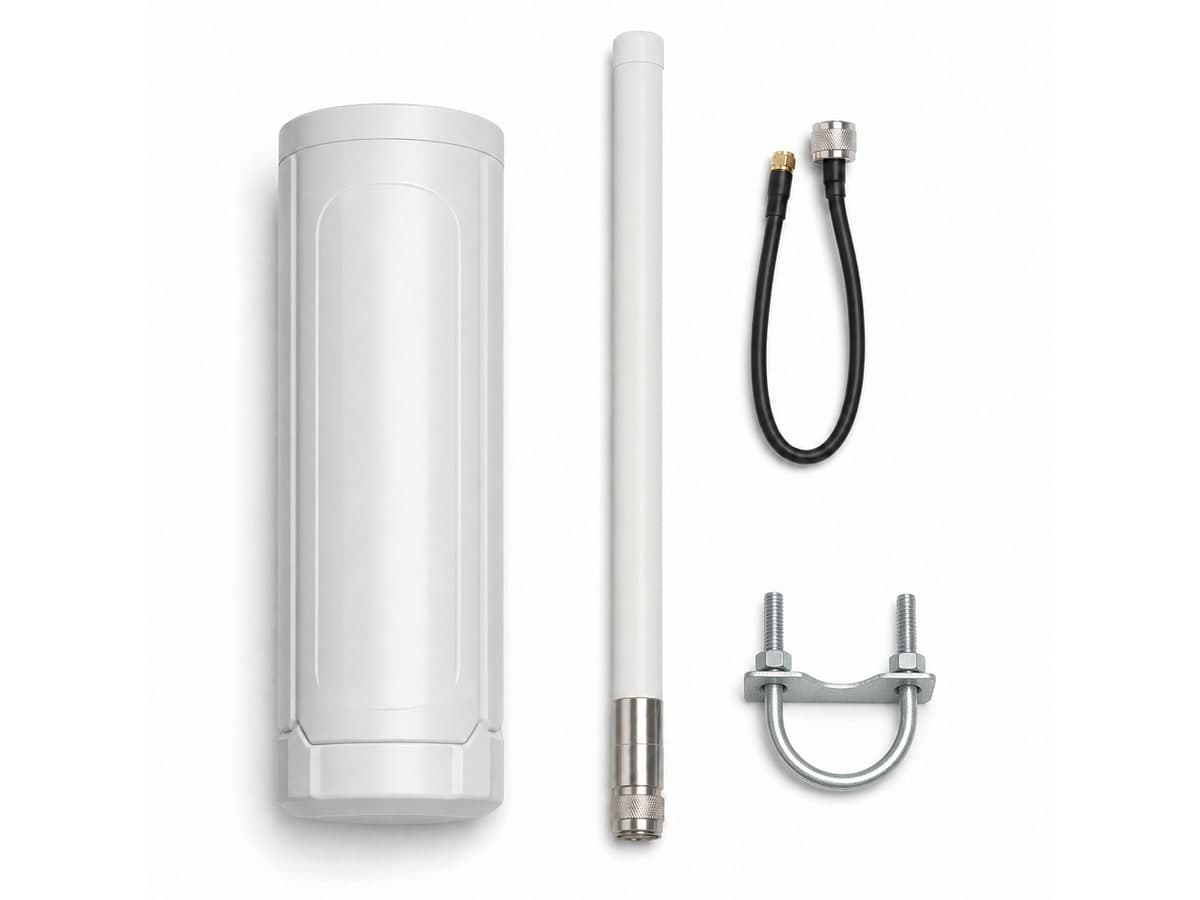
A cold room already has a temperature display. Can you reuse it?
The display beside a cold-room door works, but the supervisor needs readings in the office and a record of temperature excursions. Replacing the display may be unnecessary. Its output and model documentation decide which gateway input is useful.
For an existing Modbus temperature instrument, a compatible RS485 gateway can poll the documented temperature value and forward it through Ethernet or 4G to the agreed system. Check the register, units, scaling and update time before choosing the gateway. A bare resistance probe or thermocouple needs a matching input or transmitter; it cannot be connected to an RS485 terminal as if it were a digital instrument.
- Probe / instrument
- Matching input
- Gateway + uplink
- Temperature record
Compare the connection and the test
- Modbus temperature display
- Connection to consider: RS485 Modbus RTU polling
- Document or test needed: Register address, data type, units and scaling
- 4-20 mA transmitter
- Connection to consider: Compatible analog input
- Document or test needed: Loop wiring, supply and measurement endpoints
- RTD or thermocouple probe
- Connection to consider: Matching temperature input / transmitter
- Document or test needed: Probe type, wiring and complete measurement accuracy
- Wireless room sensor
- Connection to consider: Matching gateway and network
- Document or test needed: Regional radio plan, room coverage and reporting interval
Before choosing hardware: four connection checks
Compare the options
Select the temperature sensor before the gateway
Choose a temperature measurement path from the measurement location, range and required evidence. A room sensor, a remote probe and an existing process transmitter are different starting points, even when all send data to the same cloud.
- 01
Sensor / probe
- 02
Compatible interface
- 03
Gateway + backhaul
- 04
Trends + alarm rules
Room / cabinet air
Monitor ambient conditions at a representative location.
Check before selection
Temperature range, humidity, response time and placement away from local heat sources. Enclosure and probe choice affect response.
Remote / process probe
Measure at a point separated from the electronics, subject to probe suitability.
Check before selection
Probe type, input support, immersion/mounting method, cable and calibration requirements. A room sensor is not automatically suitable for a process.
Existing transmitter
Reuse supported RS485/Modbus or analog temperature signals.
Check before selection
Register/scaling or analog input compatibility, sample interval, timestamps and offline buffering. Confirm alarm operation on the agreed platform.
Check the selected model
Range, accuracy, calibration and compliance must come from the selected model and measurement chain. This guide does not establish cold-chain compliance or certify a complete installation.
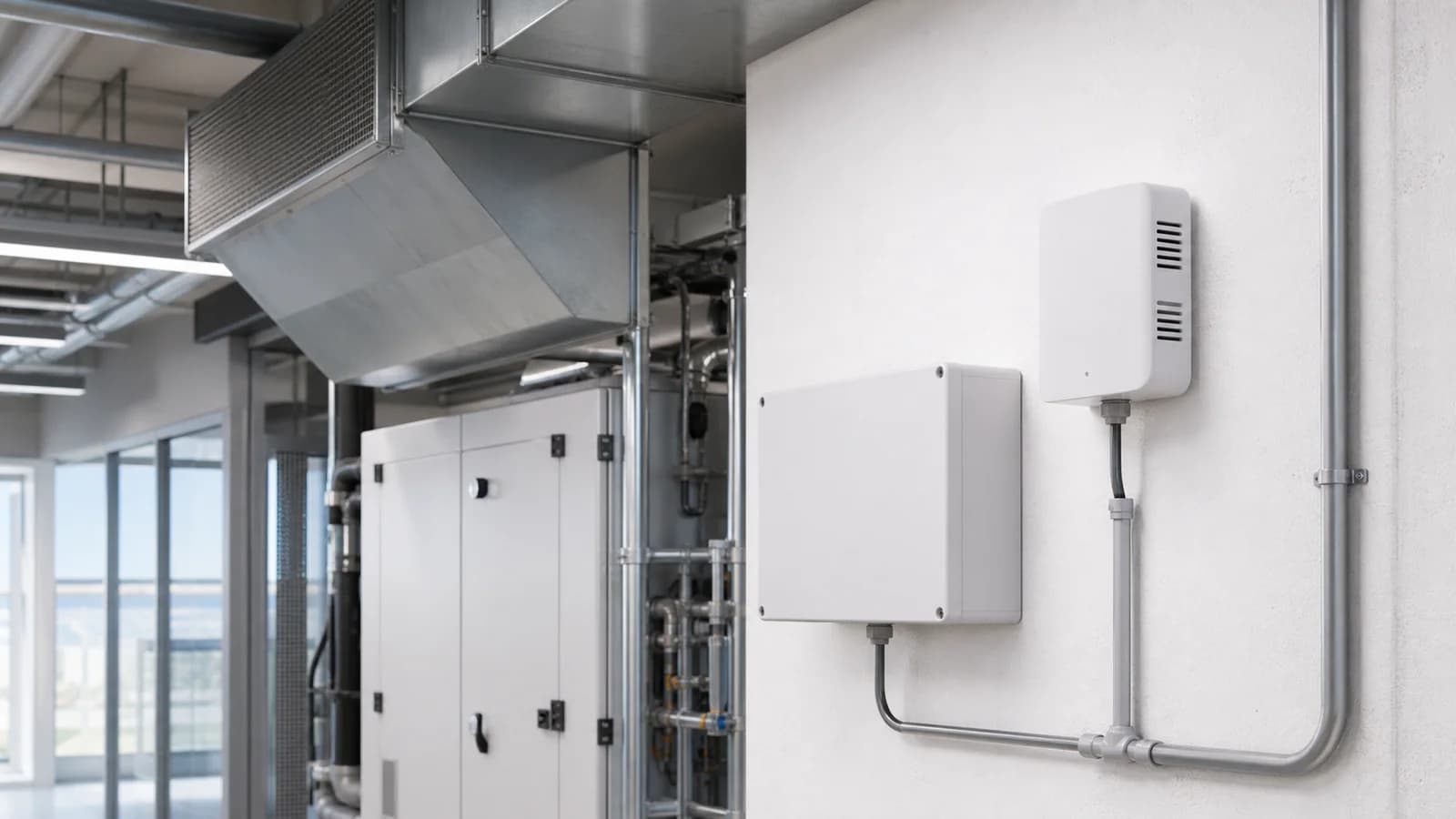
Indoor air-quality monitoring
Illustration: indoor air-quality installation with a wall sensor, gateway enclosure and HVAC equipment.
See where the system fits
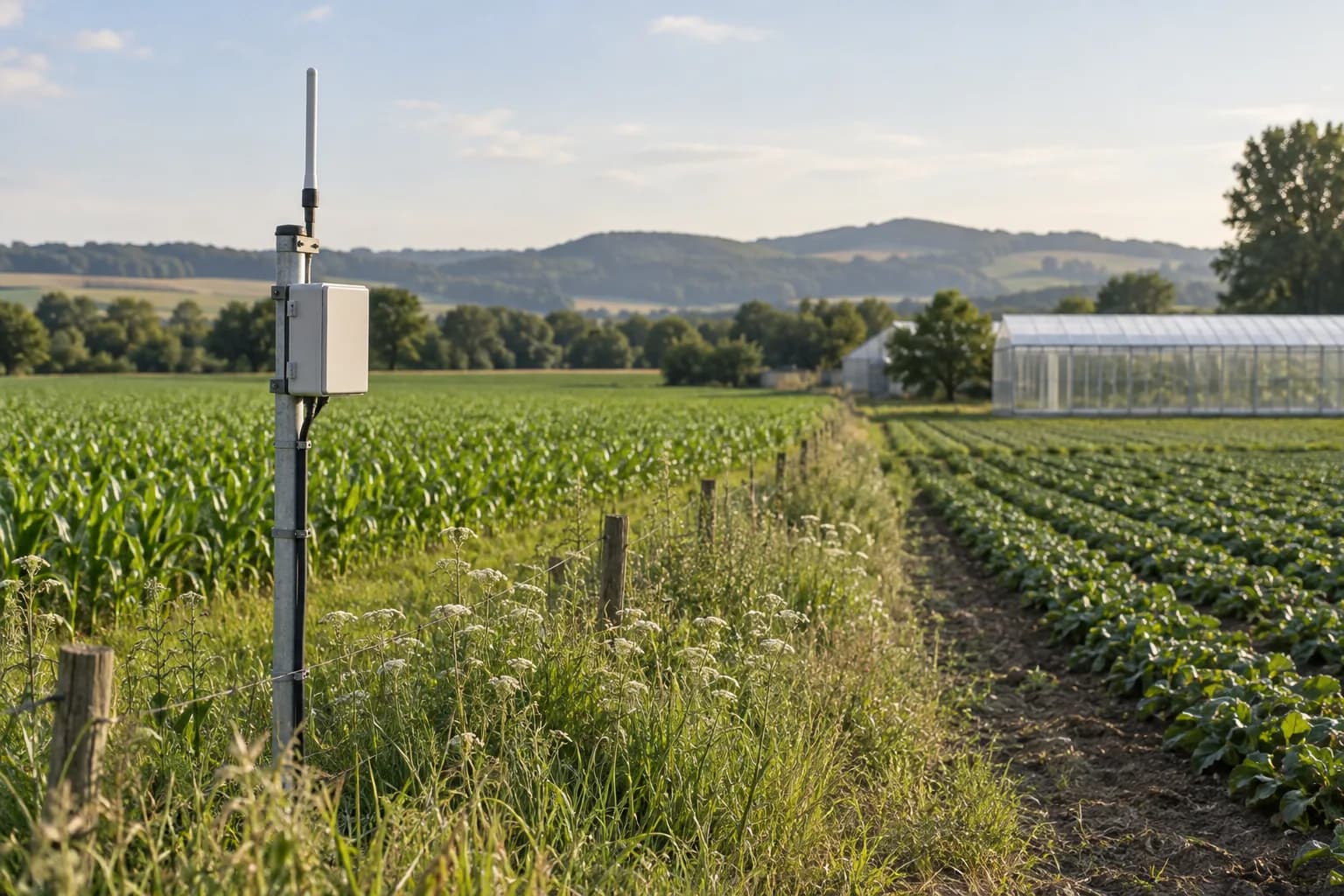
Connect separate fields and facilities
Review coverage, equipment identity and the path into your chosen platform.
Read the guide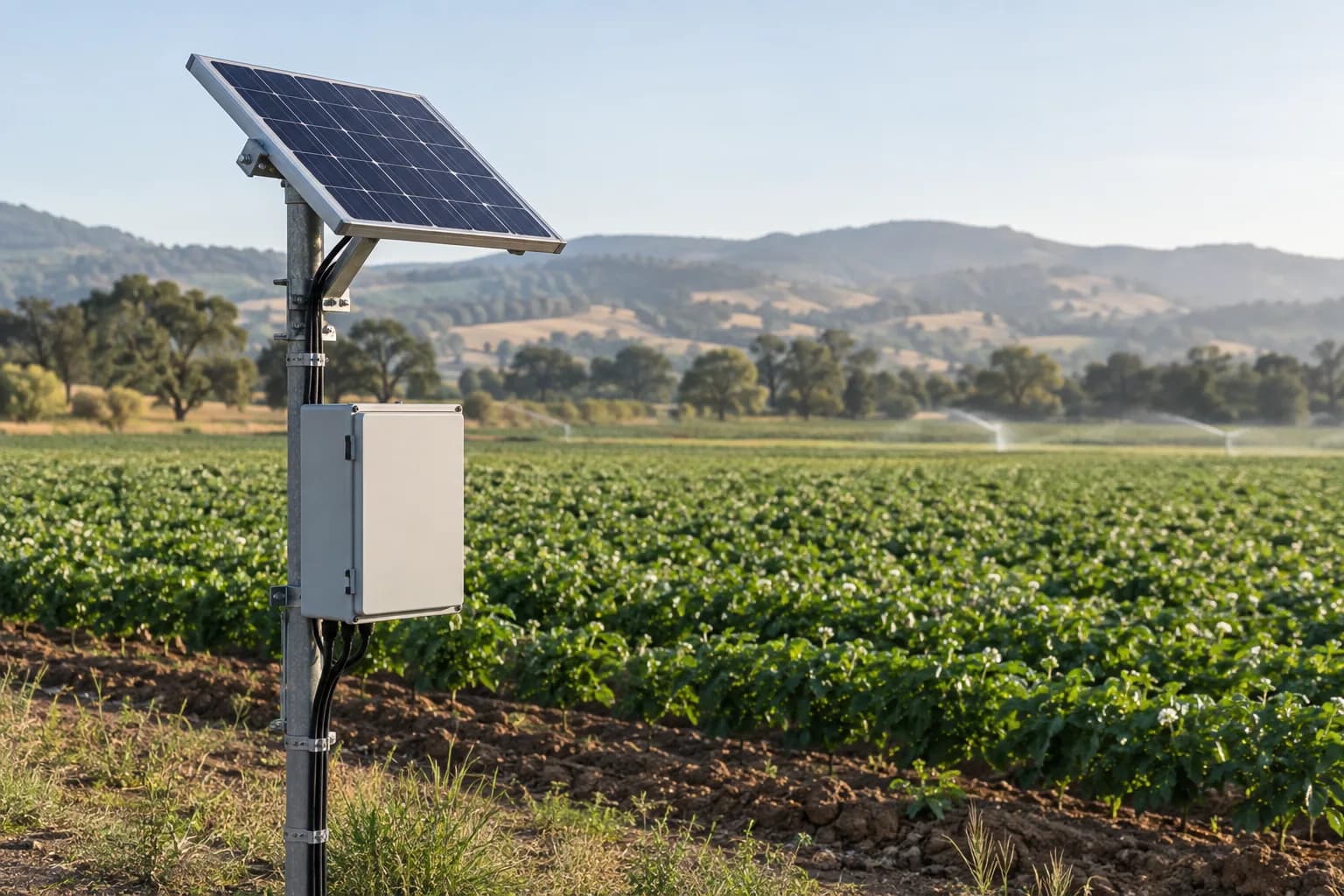
Keep remote measurement points supplied
Size field power around the final equipment load, seasonal sunlight and visit interval.
Read the guideWhere a temperature monitoring gateway fits
A temperature monitoring gateway connects supported wired or wireless sensors to an existing dashboard, SCADA system or customer cloud. The selected sensor supplies the measurement; the gateway or upstream service maps the reading, units, location and time. Confirm polling, timestamping, MQTT or Modbus TCP support for the proposed model instead of assuming every gateway provides all of these functions.
Sensor and gateway choices
Temperature data can come from LoRaWAN temperature sensors, RS485 temperature and humidity panel instruments, probe-based transmitters or remote I/O modules. The gateway path depends on site power, wall material, reporting interval, sensor count, network coverage and whether the upstream system needs MQTT, Modbus TCP or a dashboard.
Alarm design for buyers
Useful temperature monitoring projects define high / low thresholds, excursion duration, offline alarms, battery status, location labels and escalation rules before hardware is quoted. For multi-site projects, the gateway should preserve enough context for operators to know which room, cabinet or equipment zone needs attention.
Check accuracy and missing readings separately
Test the alarm around a normal door opening
Equipment in the system
Example equipment arrangement. Check compatibility and agree who handles software, PLC/SCADA programming and site installation.
Data destination
Customer platform or an agreed third-party service
Selection worksheet
Choose the temperature data path
Existing RS485 instruments
- Hardware path to review
- Compatible Modbus RTU input → gateway → agreed MQTT or SCADA endpoint
- Confirm before quotation
- Protocol, register map, sensor power and selected firmware; RS485 alone is not a compatibility guarantee.
Distributed wireless temperature points
- Hardware path to review
- Temperature node → LoRaWAN gateway → network server → customer application
- Confirm before quotation
- Regional radio plan, indoor coverage, sensor accuracy and reporting interval.
Remote site with cellular coverage
- Hardware path to review
- Temperature sensor → compatible 4G RTU / gateway → customer cloud
- Confirm before quotation
- Country bands, SIM, peak power, data format and upstream authentication.
Show the remaining worksheet rows
Other equipment to compare
Product-family photos; the model and enclosure may vary.
Key points
- Industrial IoT temperature monitoring gateway path
- LoRaWAN, RS485, NB-IoT or 4G LTE sensor backhaul
- High / low temperature and offline alarms
- MQTT, Modbus TCP, SCADA or dashboard integration
Technologies
- Temperature monitoring
- Humidity
- LoRaWAN
- RS485
- NB-IoT
- 4G LTE
- MQTT
- Modbus TCP
Related pages
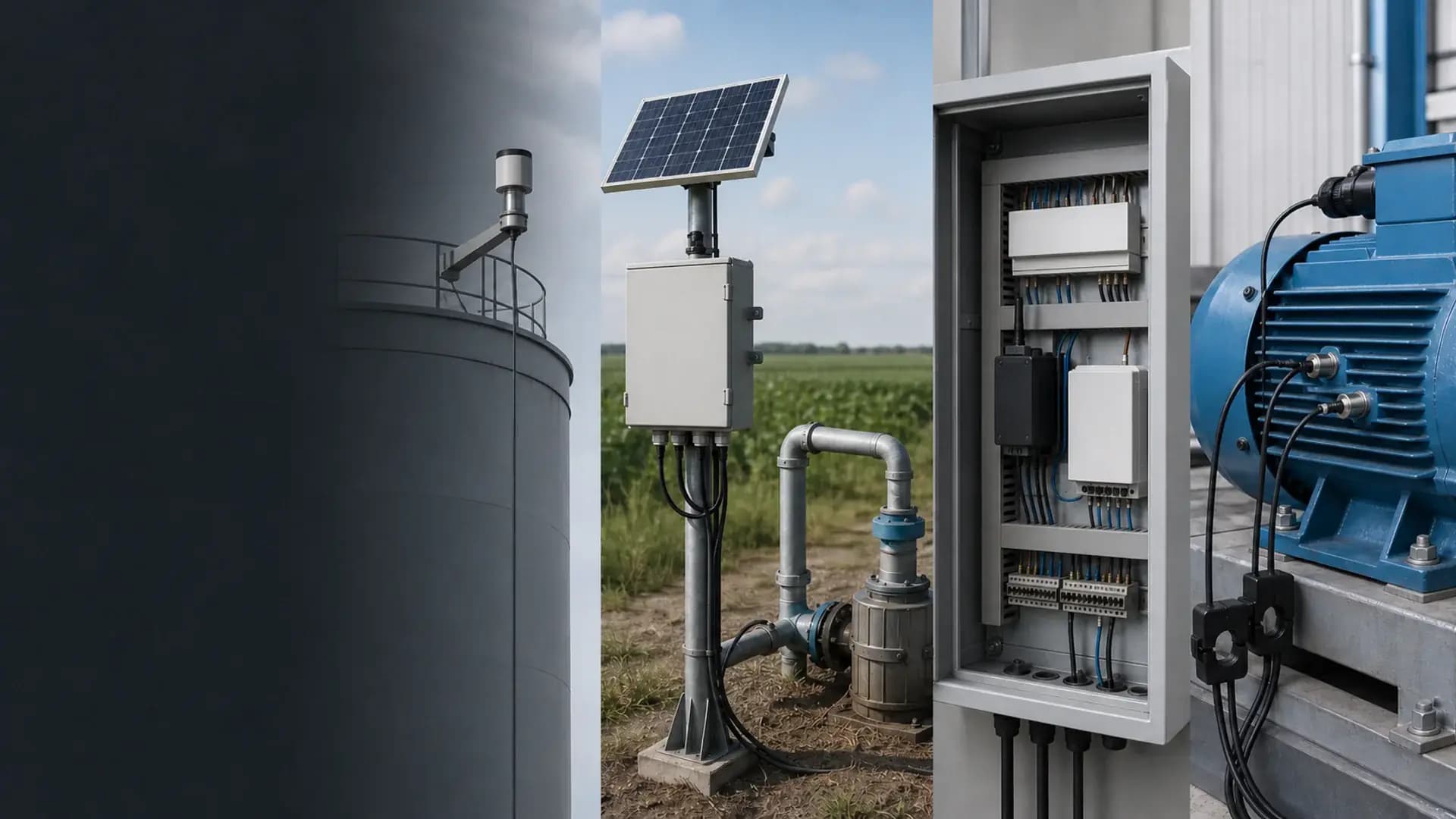
Connecting field equipment
Illustration: remote-monitoring integration with field enclosure, gateway, power and industrial equipment.
Official technical references
See the protocol specifications below. Check the selected model’s documents for supported functions, radio settings and certificates.
FAQ
What does an industrial IoT temperature monitoring gateway do?
It connects compatible temperature or humidity sensors to the agreed monitoring application. Confirm the selected model’s input protocol, polling, timestamp handling and output interface; MQTT, Modbus TCP, recording and alarm functions are not universal across all gateways.
Should the project use LoRaWAN, RS485, NB-IoT or 4G?
LoRaWAN is useful for many low-power points across a site, RS485 is strong for wired cabinets or controllers, NB-IoT can fit simple low-data remote points, and 4G LTE fits gateway packages with multiple sensors or faster pilots.
What information is needed before quotation?
Tell us the country and what needs temperature monitoring. A photo or existing sensor model helps if available. We then confirm range, accuracy, number of points, power, communications and the alarm destination before quotation.
How does the temperature hardware connect to an existing platform?
SunGene prepares the selected sensors, gateway, connectivity and documented data path. The RFQ confirms whether readings go to MQTT, Modbus TCP, SCADA, a dashboard or another customer endpoint.
Will temperature alarms still arrive during a network outage?
A remote alert cannot be assumed to arrive while its communication path is unavailable. Confirm local alarm needs, the platform no-data threshold, available backup power and any documented recording or replay function. Test the readings and their original timestamps after reconnecting; buffering is not universal and may not survive a restart.
Can I connect a PT100 directly to an RS485 gateway?
Only if the gateway includes a documented PT100-compatible measurement input. An RS485 communication port alone cannot measure a resistance probe. Otherwise use a suitable temperature input module or transmitter.
Why does the gateway show a temperature ten times the display value?
Check the instrument register map for scaling, units and data format. A successful protocol response can still be decoded incorrectly. Compare the mapped reading with the display before changing alarm thresholds.
Should a disconnected temperature sensor show zero?
A missing or invalid measurement should be distinguishable from a measured zero. Confirm the instrument fault indication and the receiving system’s stale-data handling during the pilot.
Get selection help
Tell us what you want to measure and where. Send a model number or site photo if you have one.