Skip to content
SunGeneAgricultural IoT
← All products
Edge IoT Gateway

Edge IoT Gateway

Equipment options & specifications

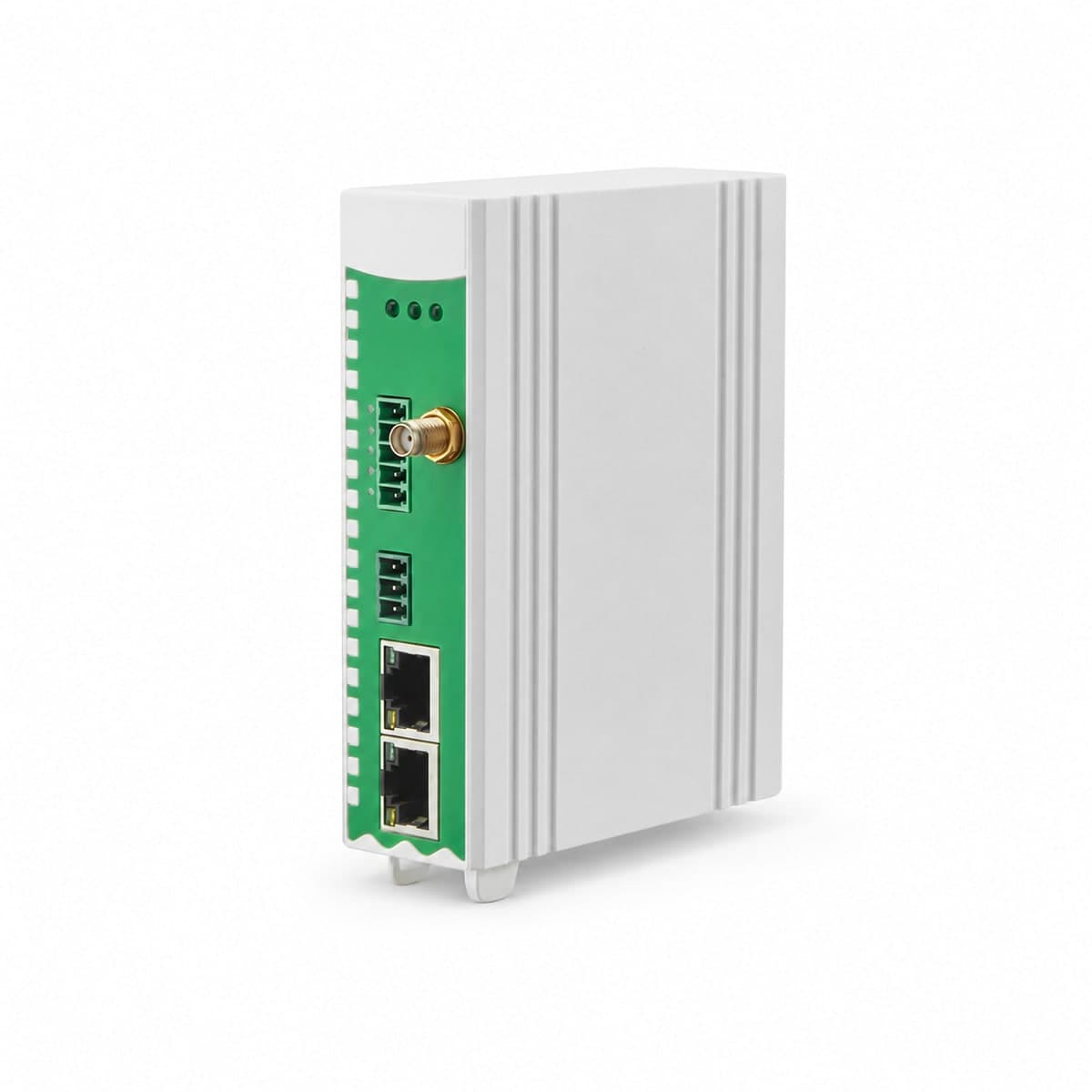
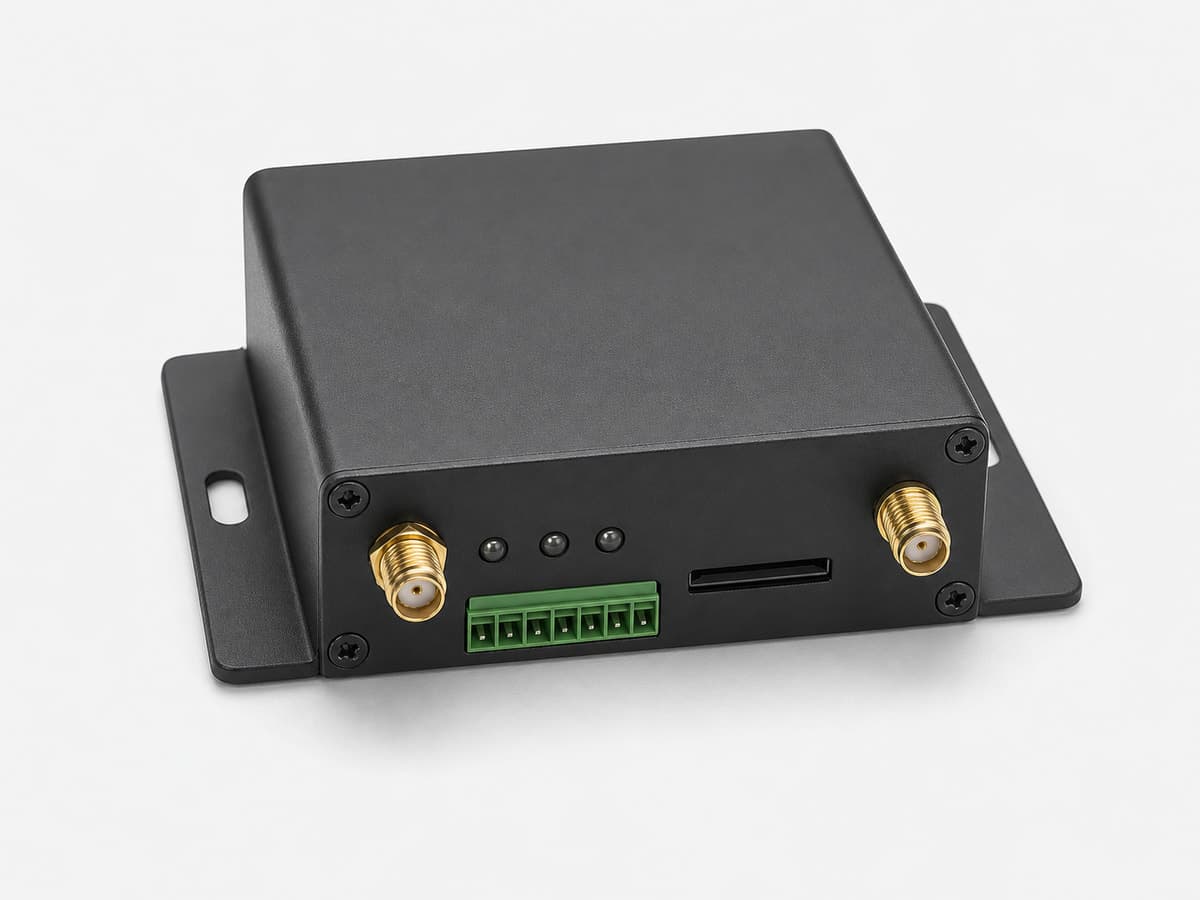
DIN-rail gateway for collecting Modbus data from RS485 / RS232 devices and sending it to MQTT, Modbus or OPC UA systems over Ethernet, optional 4G or Wi-Fi.

Appearance, connectors and included accessories follow the configuration confirmed in your quotation.

Related application hardware: Equipment Monitoring

Specifications & version options

Serial options
2 or 6 RS485 / RS232 ports
Ethernet
1 × WAN + 1 × LAN, 10/100 Mbps
Data capacity
2-port: up to 10 devices / 512 points; 6-port: up to 50 devices / 4,000 points
Uplink protocols
Model-dependent MQTT, Modbus TCP / RTU and OPC UA server
Network options
Ethernet standard; 4G or Wi-Fi by selected configuration
Power supply
9–36 VDC with reverse-polarity protection
Show 4 more specification rows

Need to connect this equipment to an existing controller or platform?

Share your current model, a photo or the connection you need. We help assess interfaces, power and the required configuration.

Get selection & integration help

Buying this equipment

Samples & minimum quantity
Ask for a sample or a small pilot. Availability, minimum quantity and sample charges depend on the selected model.
Price & delivery
Range, interface, accessories, quantity and destination affect the quote. Stock, lead time, freight, taxes and delivery terms need confirmation.
Warranty & support
Coverage, duration, exclusions and the fault-assessment process are confirmed for the quoted model before order.
Certificates & documents
Tell us the destination and required standard. We check the exact model, document revision and available evidence; a family listing is not certification.
Review procurement and support details →

Find the right document

Public documents describe this product family and selection options. Wiring, register maps and compliance documents must match the model and version selected for your order.

Open family selection sheet

English · Web page · printable
Current online selection reference

Open selection catalog

Industrial Monitoring Hardware Catalog
PDF · English · 379 KiB
File revision: 2026-07-22 · 85c5f07896ab

Need documents for engineering or purchasing?

Choose what you need. We first identify the model and revision, then confirm which documents can be supplied. The request does not imply that every document is available.

Public now
Public selection guidance and model-selection catalogue
Check for the selected model
Exact-model datasheet · Wiring / pinout · Register map, protocol or sample data · Model-specific certificates · Calibration and measurement evidence · Dimensions / installation drawing
Project starter files →
Request an engineering package →
From a product family to your order
  1. Family page

    Compare uses, interfaces and configuration options. These are selection references.

  2. SG reference

    An SG code helps identify a sourcing option; it is not a substitute for the manufacturer model or its certificate.

  3. Written quotation

    Confirm the exact model, configuration, photograph, document revisions, accessories, price, delivery and warranty.

Get selection help

Start with a short description. A complete equipment list is not required.

Text stays in this tab for up to 30 minutes while you browse. Saving across reloads is optional below.

A personal email is welcome.

A country and general site description are enough. If the location is undecided, say so.

Up to 5 files, 10 MB each. PDF, JPG, PNG, WebP, CSV, TXT, DOCX or XLSX.

By submitting this form, you acknowledge the privacy notice.

See where the system fits

Equipment in the system

System design, software integration, PLC/SCADA programming and site installation responsibilities are agreed in the written project scope.

How the model is selected

The written quotation ties the site requirement to one reviewed hardware configuration.

Site requirement

Application, medium, mounting and environment

Hardware configuration

Signal, protocol, power and enclosure

Quote confirmation

Model, quantity, certificates and delivery
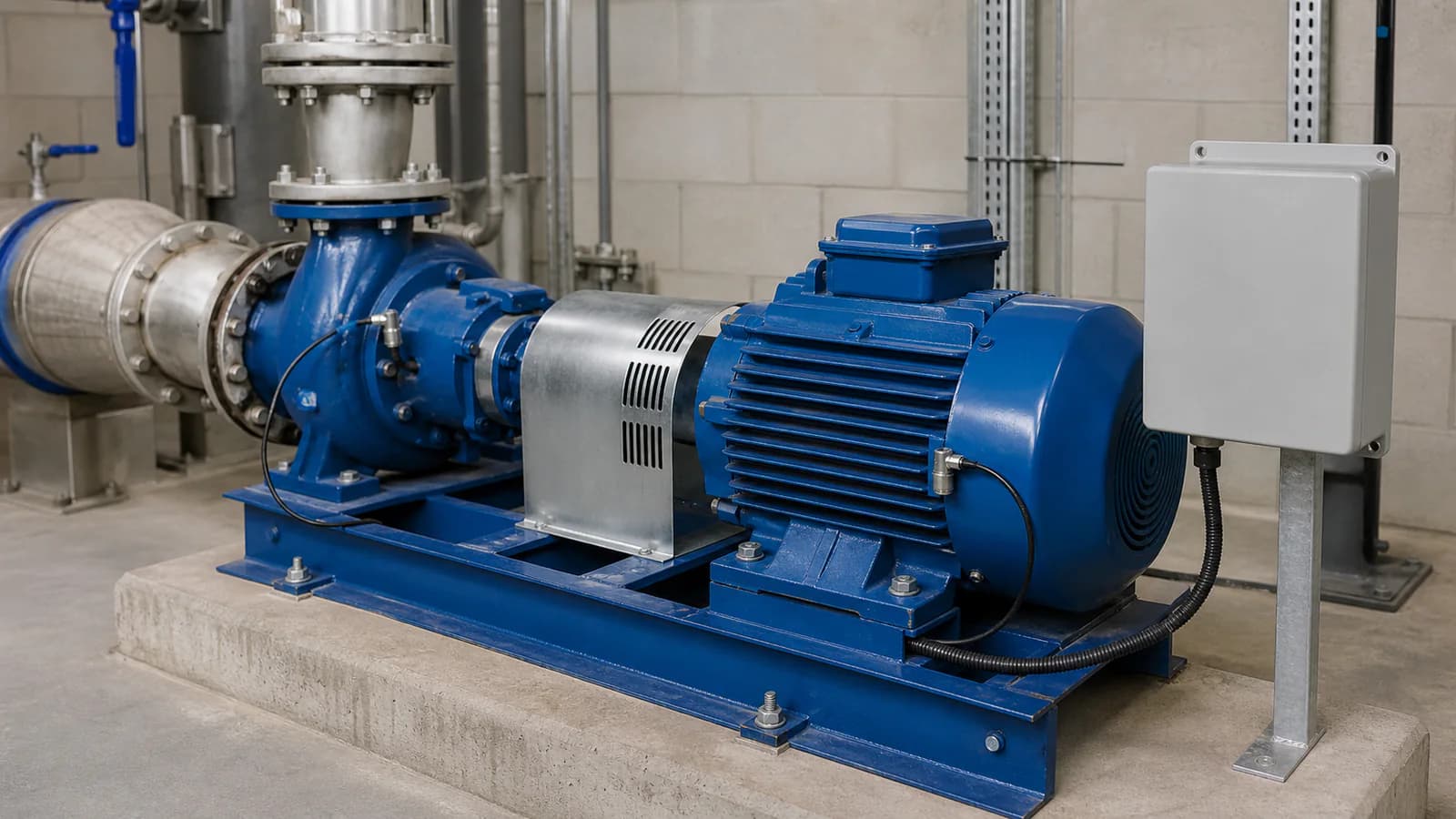
pump and motor monitoring installation with bearing sensors and a field enclosure

Machine monitoring context

Sensors, interfaces, enclosure, power and mounting are confirmed against the actual project before quotation.

What the reviewed outage queue does — and does not do

Use these limits when the project depends on data recovery after a network interruption.

  • The queue must be enabled and works only with the supplier-format MQTT template.
  • It holds up to 100,000 data points in RAM. Queued data is lost if the gateway loses power or restarts.
  • When the limit is reached, the oldest queued data is deleted.
Show 3 more reviewed selection notes

Model-selection reference

Industrial Monitoring Hardware Catalog

Compare equipment options in this catalog section.

Open this catalog section
Catalog section
Industrial and modular edge gateways
equipment references
6
PDF pages
27

SG codes for enquiry

6 sourcing references from “Industrial and modular edge gateways”. Put an SG code in the RFQ so we can match the same catalog row.

  • SG-GW-173
  • SG-GW-169
  • SG-GW-170
  • SG-GW-171
  • SG-GW-179
  • SG-GW-187
Open this catalog section

Continue product selection

Compare adjacent hardware families for the same monitoring path.
How to choose

  • List every RS485 / RS232 device, register map, baud rate, parity setting and required refresh interval before choosing the serial-port count.
  • Use the 2-port version for up to 10 devices / 512 points or the 6-port version for up to 50 devices / 4,000 points, then verify the actual polling workload.
  • Choose Ethernet, 4G or Wi-Fi and define the required MQTT, Modbus TCP / RTU or OPC UA role. Protocol availability is model-dependent.
  • If network-outage recovery matters, decide whether a volatile supplier-format MQTT queue is sufficient. It does not survive power loss or restart and does not cover custom JSON, Sparkplug B or OPC UA history.
Show 2 more selection checks

Compatible with

  • Modbus RTU devices using RS485 or RS232
  • Ethernet networks and optional 4G or Wi-Fi uplinks
  • MQTT brokers using the reviewed supplier-format template
  • Modbus TCP / RTU and OPC UA systems, subject to the selected model and protocol role

Typical package

  • Selected 2-port or 6-port gateway
  • 9–36 VDC power, Ethernet patching and antenna accessories for 4G / Wi-Fi versions
  • Serial wiring plan and device register maps
  • MQTT topic, payload and security settings plus an outage-recovery acceptance test when buffering is required

Applications

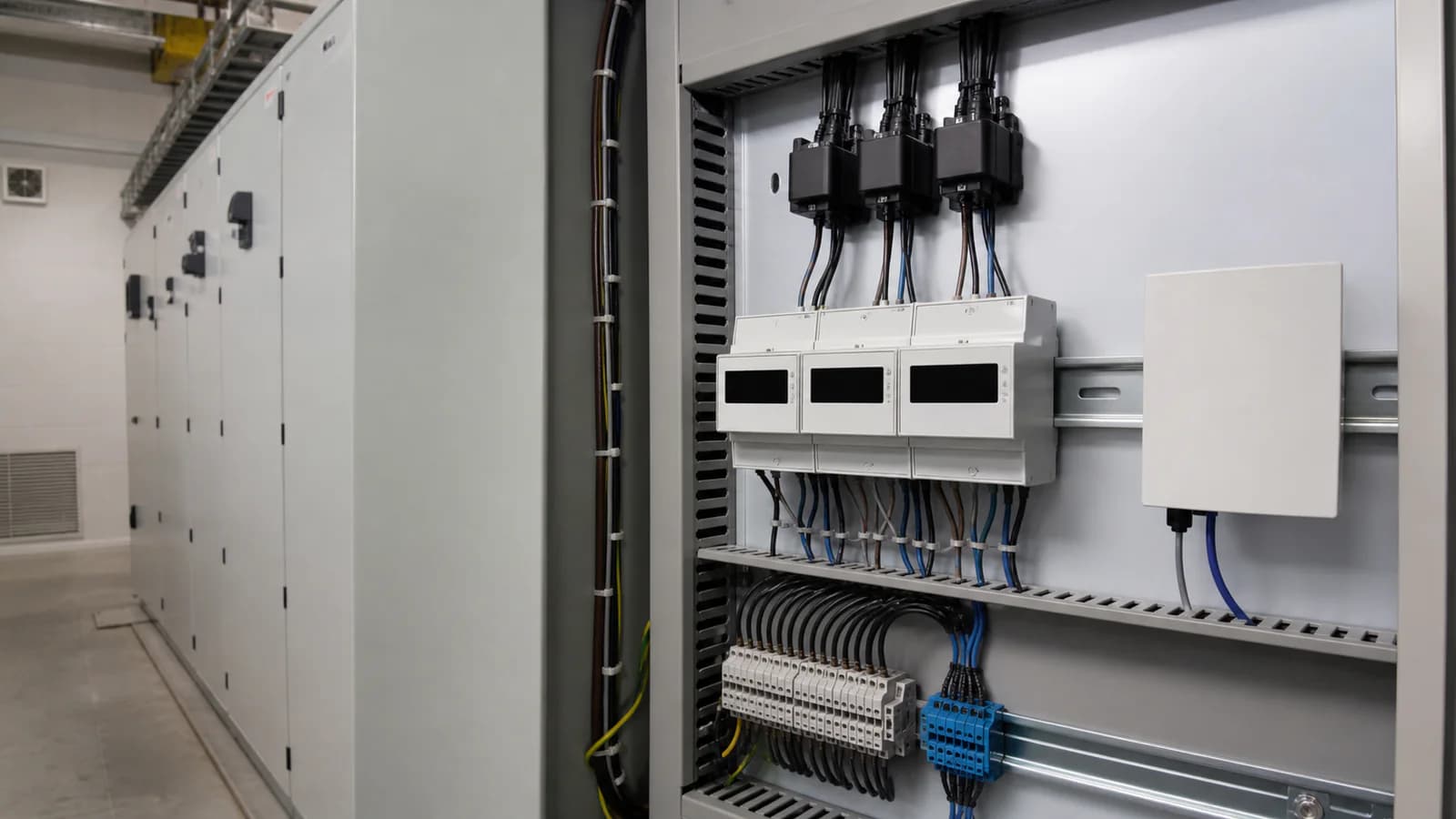
remote-monitoring integration with field enclosure, gateway, power and industrial equipment
I/O, protocol, antenna, power, enclosure and upstream platform are selected for the project.

Use this family when several Modbus devices need one DIN-rail gateway for Ethernet, optional 4G or Wi-Fi backhaul. It can collect serial data and hand it to MQTT, Modbus or OPC UA systems. The reviewed MQTT outage queue is useful for short network interruptions, but it is not nonvolatile storage.

  • Aggregate Modbus devices across 2 or 6 serial ports
  • Send field data over Ethernet, optional 4G or Wi-Fi
  • Publish selected values to MQTT or expose supported Modbus / OPC UA roles
  • Use the reviewed volatile MQTT queue for defined network-outage cases
See related application hardware

What to include in your quote request

  • Connected devices, serial settings, register maps, point count and polling interval
  • Required 2-port or 6-port capacity and any need to separate different serial settings
  • Ethernet, 4G or Wi-Fi backhaul plus target country / mobile-network details
  • MQTT, Modbus or OPC UA role, broker / SCADA endpoint, payload and authentication
  • Outage duration, power-loss retention requirement, timestamp / replay acceptance criteria and data-loss alarm
  • DC power, mounting space, antenna location, quantity, certificates and project stage
Request Hardware Quotation

Related selection guides

Related resources

Frequently asked questions

Does this gateway support store-and-forward?

It supports a reviewed MQTT outage queue for the supplier-format template. The queue can retain up to 100,000 data points while the network is unavailable, but it is RAM-based rather than nonvolatile storage.

Does queued data survive a power loss or restart?

No. Queued data is held in RAM and is lost if the gateway loses power or restarts. Use external nonvolatile logging or a different reviewed gateway when power-loss retention is required.

Which MQTT formats support outage replay?

The reviewed replay function is limited to the supplier-format MQTT template. Custom JSON and Sparkplug B do not use the same queue, and OPC UA does not provide equivalent historical replay.

Does replay preserve the original sampling timestamp?

That behavior has not been verified. Projects that depend on original timestamps, strict replay order or end-to-end completeness need a written acceptance test before purchase.

How do I choose between the 2-port and 6-port versions?

The 2-port version supports up to 10 devices and 512 points. The 6-port version supports up to 50 devices and 4,000 points. The final choice also depends on baud rates, register counts, polling interval, retries and whether devices need separate serial settings.

Does OPC UA provide historical replay?

No reviewed OPC UA historical replay is available for this family. OPC UA is provided as a server role on supported models; use the MQTT supplier-format queue or specify another logging path when historical recovery is required.

What should I provide when requesting a quote for the Edge IoT Gateway?

Connected devices, serial settings, register maps, point count and polling interval; Required 2-port or 6-port capacity and any need to separate different serial settings; Ethernet, 4G or Wi-Fi backhaul plus target country / mobile-network details; MQTT, Modbus or OPC UA role, broker / SCADA endpoint, payload and authentication

Where can I compare available model options?

Open the Industrial Monitoring Hardware Catalog linked on this page. Use it to compare equipment options before requesting a configuration.

Will it work with my existing system?

Compatibility is reviewed against your field signals, protocols and upstream platform. Typical pairings include Modbus RTU devices using RS485 or RS232, Ethernet networks and optional 4G or Wi-Fi uplinks, MQTT brokers using the reviewed supplier-format template.

Product-family reference. Final ordered model and specifications are confirmed in the written quotation.