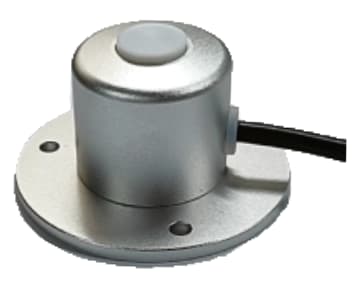
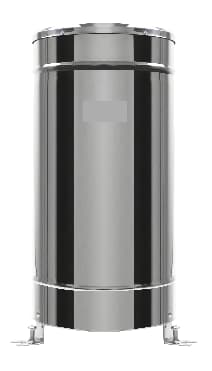
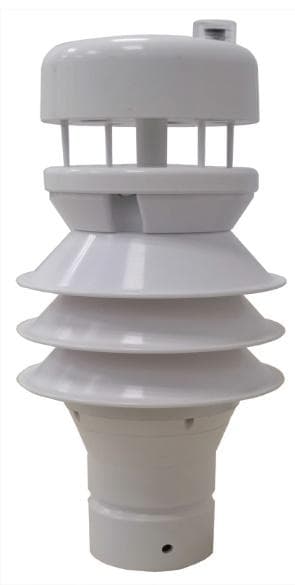
Record farm weather measurements locally and retrieve CSV files by USB, or select a network connection for remote records. Match the logger to your existing RS232 or RS485 sensors, or build a sensor list for a new field station.
Choose a logger for the sensors and records you need
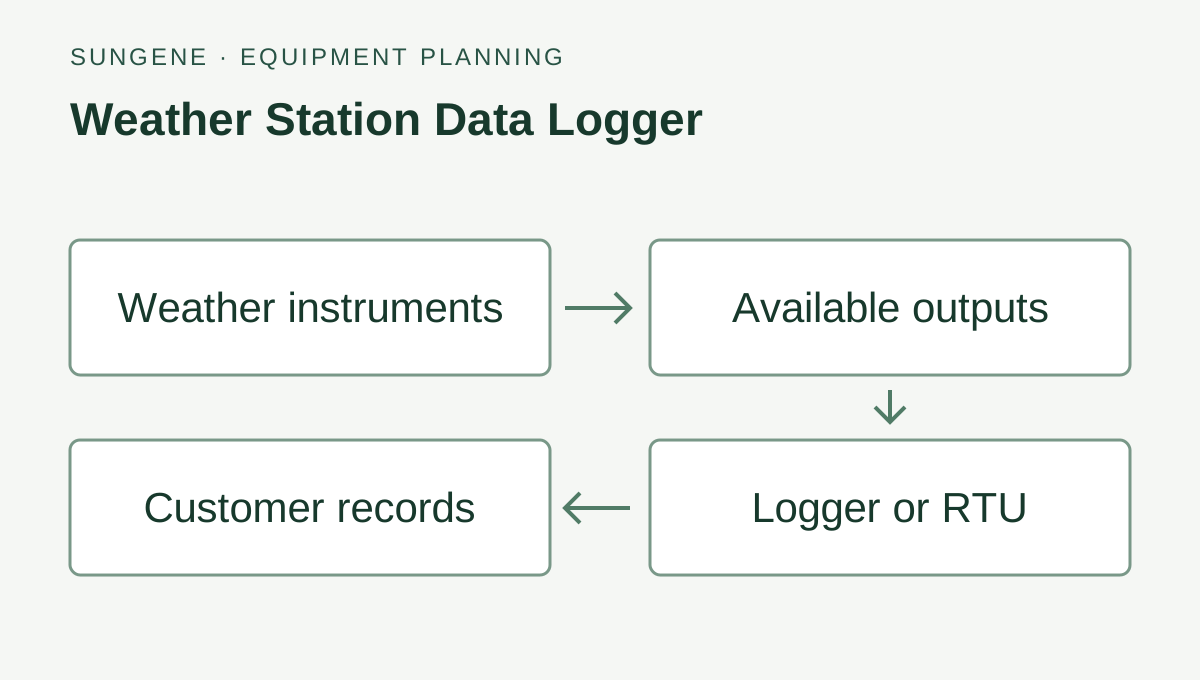
A replacement logger starts with the equipment already on site. A new station starts with the measurements and where the records will be used.
Keep your existing weather sensors
Send the sensor labels and output documents. Match the serial protocol, address, baud rate, units and data fields to the logger channels. Include pulse or analog devices in the list so their receiving inputs or separate interfaces can be selected.
List the weather, rainfall and crop measurements by location. Choose local USB collection or a tested Ethernet, 4G or Wi-Fi connection to your receiving server. Size the enclosure and power supply for the complete sensor and communication load.
Check the sensor list before choosing the connection
Inputs and channel count
One RS232 and two RS485 ports support up to 32 measurement parameters according to the sensor and interface configuration. Count parameters as well as physical sensors. A pulse rain gauge needs a compatible pulse input or separately selected interface.
Local records or remote access
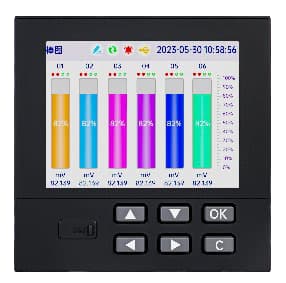
The logger has a 4.3-inch local display, USB-drive download and CSV export. The recording interval is configurable from 1 to 240 minutes. Ethernet, 4G or Wi-Fi is selected for the project and tested with the receiving server.
Power and installation
The supply is 12–24 VDC, or 100–240 VAC through an adapter. The listed average consumption is below 6 W for the logger configuration; include external sensors and communications when sizing a solar supply.
What to send for a quotation
Send the sensor list or label photos, required measurements, recording interval and whether staff will collect USB files or need remote records. Include site country, available power, quantity and the receiving server or platform. An existing equipment list is enough to start.
How many sensors can a farm weather logger record?
This configuration supports up to 32 measurement parameters, using one RS232 and two RS485 ports according to the sensor and interface configuration. One sensor can supply several parameters. Send the complete channel list and protocol documents so the input arrangement can be matched.
What should I send when replacing a weather-station logger?
Send the existing sensor labels, wiring or output documents, serial addresses and communication settings. Include a sample of the records you need, the recording interval, available supply and any receiving-server requirements. The quotation can then identify the logger and any separate input or network equipment.
Take records back by USB or send them over a selected network
Decide how the records will leave the site, then check each sensor channel. The logger’s RS232 and RS485 ports must also match the connected sensors’ protocols and communication settings.
Collect records during a site visit
View readings at the station and take the records back by USB drive for CSV use. Agree the channel names, units and recording interval so the files can be compared with your other site records.
Compatible RS232 / RS485 weather sensors
This logger: record and display
USB-drive download and CSV records
Send readings to a remote system
Select the Ethernet, 4G or Wi-Fi configuration for the site and receiving server. Network settings and customer-server communication need testing before relying on remote readings.
Compatible RS232 / RS485 weather sensors
This logger: record and display
Selected network connection
Tested receiving server
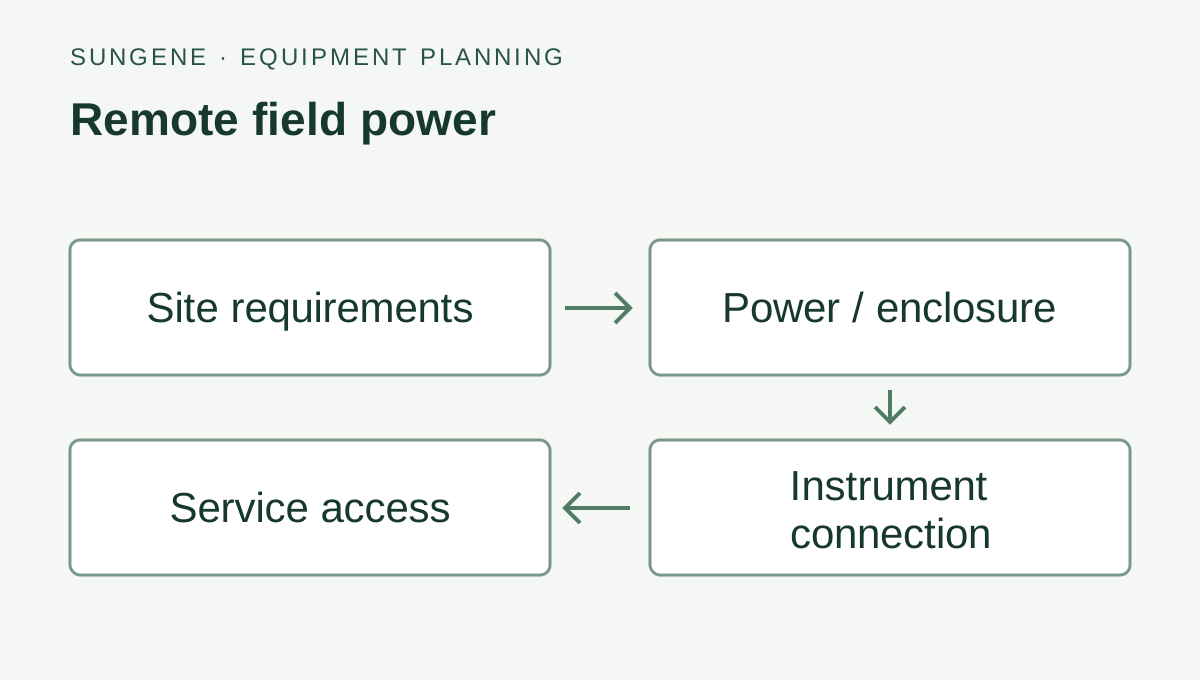
Example measurement and data paths. Confirm the selected interfaces, power and receiving equipment for your installation.
Before choosing the configuration
Check every sensor before connecting it
Send the sensor list, outputs, addresses, units and protocols. An RS485 connection alone does not establish compatibility; confirm each sensor’s communication settings and data interpretation.
Choose the record and retrieval schedule
State the recording interval and how often you need to collect or upload data. Decide who downloads the USB files or maintains the selected network and receiving server.
Include the whole station load
Select the enclosure and mains, battery or solar supply for the logger, connected sensors and communications equipment. External sensors, station power and network equipment are specified separately.
Send your sensor or logger details, site power, quantity and destination country. Include an equipment label or connection specification if you are adding to an existing installation.
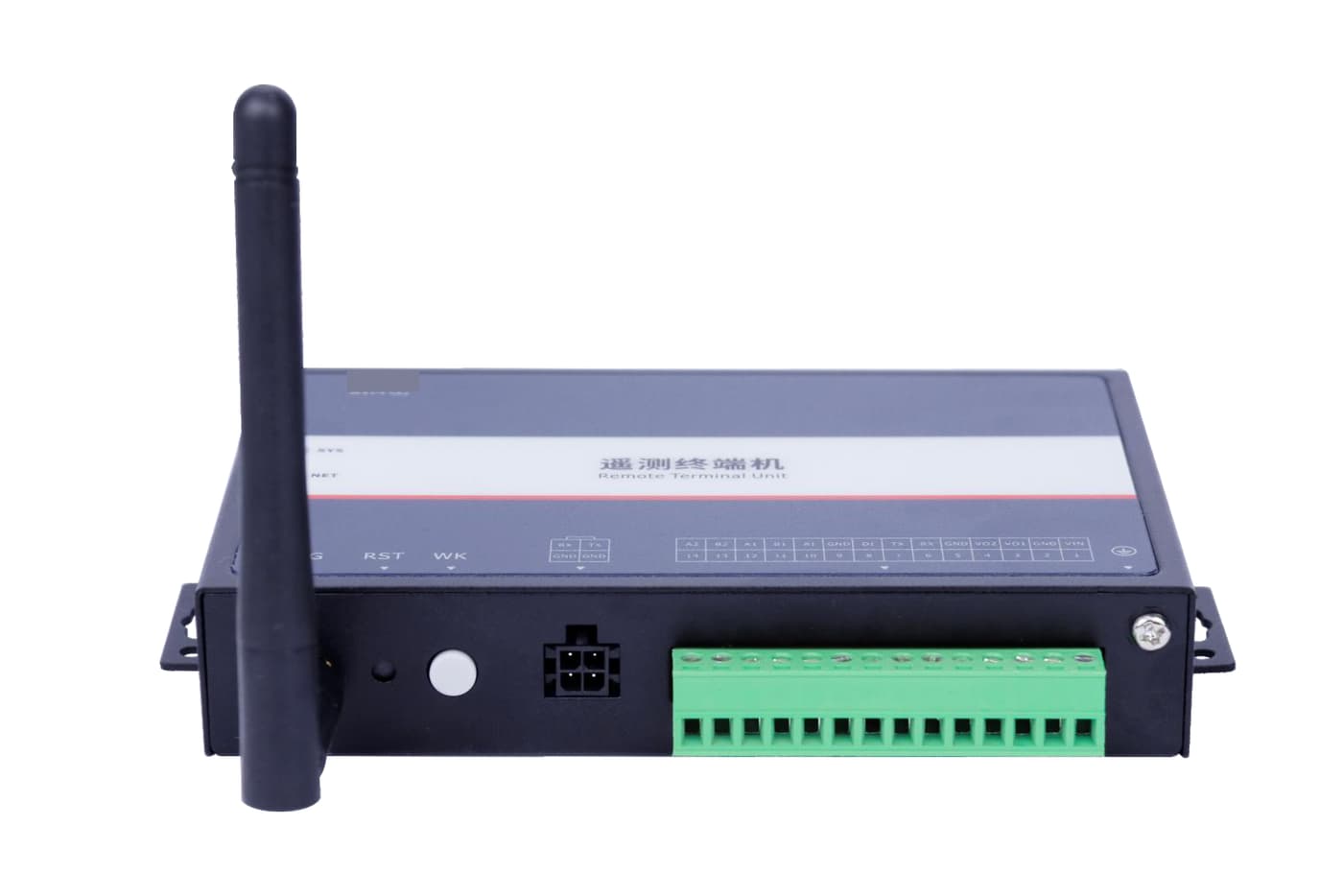
Pictured: SG-RTU-145 — Water Level Telemetry Terminal.
Collect farm weather records during a site visit
Connect compatible serial weather sensors, view readings at the station and download records by USB drive for CSV use. Agree channel names, units and recording intervals so rainfall, light and other selected measurements can be compared with farm records.
Add weather context to farm water records
Record compatible external-sensor readings alongside site operations. If staff need remote access, select the network connection and test data delivery to the receiving server; sensors, station power and communications equipment are specified separately.
Specifications & version options
SG device code
SG-DAQ-147
Measurement parameters
Up to 32, subject to sensor and interface configuration
How can I take the weather records back to the office?
This documented configuration supports USB-drive download and CSV export. Agree channel names, units and the recording interval before commissioning so the exported records can be compared with the farm’s other records.
What do you need to check before connecting my sensors?
Send the sensor list, output types, addresses and required measurements. The documented logger has one RS232 and two RS485 ports and supports up to 32 measurement parameters according to sensor and interface configuration. Network access, external sensors and station power are selected separately.
Can I record weather data without an internet connection?
This logger configuration supports local display, USB-drive download and CSV export. Select it for a site-visit workflow when staff will collect the files. Agree the recording interval, required retention and channel list before ordering. Remote access requires a separately selected and tested network connection.
Can an RS485 weather data logger read my existing sensors?
Send the sensor models, protocol documents, addresses and communication settings. The logger has one RS232 and two RS485 ports, with up to 32 measurement parameters according to configuration. Each channel needs a matching protocol and data format; an RS485 label alone does not establish compatibility.
Can I connect a pulse-output rain gauge to this logger?
A pulse-output rain gauge needs a compatible pulse input or a separately selected interface. The serial-port specification does not establish a direct pulse connection. Include the rain-gauge output document with the other sensor details so the complete input arrangement can be quoted.
Will it work with my existing system?
Use the listed inputs, power and protocol to match the device to your controller. Send its model or an input photo with the equipment request.