
SunGene
Agricultural IoT
Product Family Selection Sheet
RS485 to Ethernet Gateway / Serial Server
Connect RS485, RS232 or RS422 field devices to Ethernet with 1-, 2- or 8-port serial-server options for Modbus bridging and direct IP communication.
Category: RTUs, remote I/O, data loggers & gateways
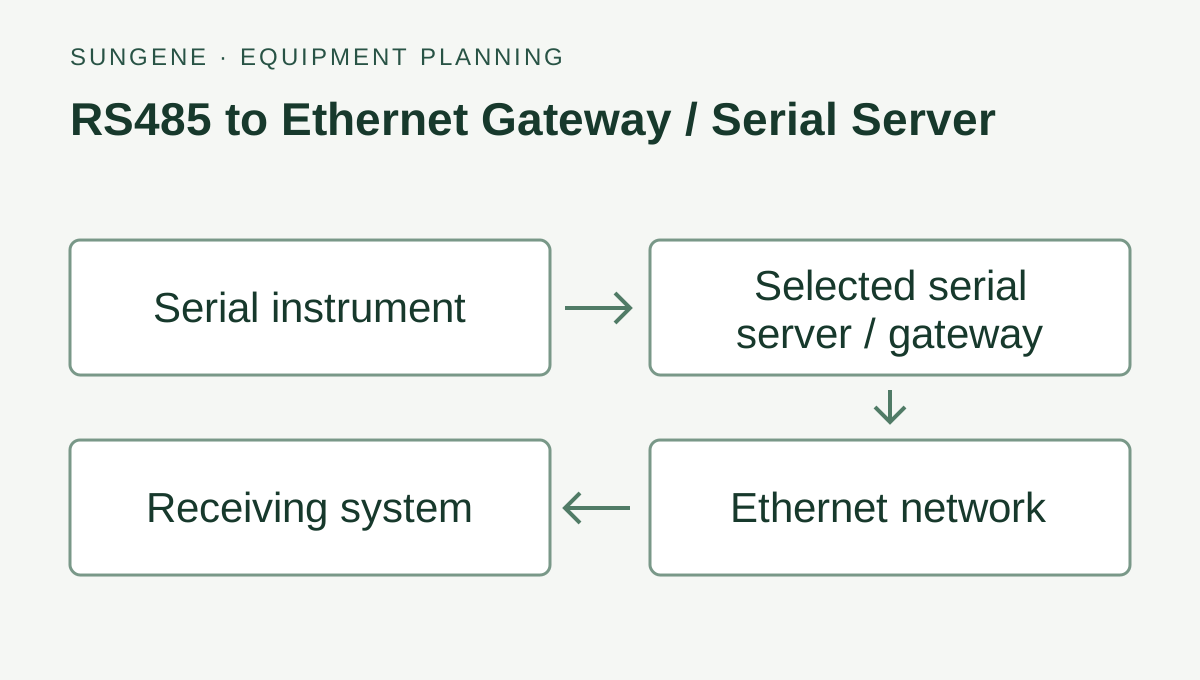
RS485 to Ethernet Gateway / Serial Server — connection diagram.
Specifications & version options
| Serial ports | 1, 2 or 8 ports, selected by configuration |
|---|---|
| Serial interfaces | RS485 / RS232 / RS422 family options |
| Ethernet | 10M or 10/100M, depending on family |
| Protocol role | Modbus RTU / Modbus TCP gateway |
| Network modes | TCP / UDP / HTTP / MQTT on documented variants |
| Power | DC 8–28 V common; PoE or AC on applicable variants |
| Form factors | DIN-rail, compact and multi-port enclosures |
Select the port count and Ethernet configuration
Port counts and gateway functions vary by model. Select the serial interface and Ethernet functions together.
- Single-port, 2-port and 8-port configurations are available; the ordered serial-port count must be selected before quotation.
- Basic single-port families use 10M Ethernet. High-performance and multi-port families use 10/100M Ethernet.
- Select the required RS485, RS232 or RS422 interface and confirm the port combination on the ordered version.
- Modbus RTU/TCP gateway operation is available on the corresponding models. TCP, UDP, HTTP and MQTT are available only on the documented family variants.
- DC 8–28 V is the common low-voltage option. PoE or AC input applies only to the configurations that list it.
- Do not specify BACnet, Linux, isolation, protection ratings or certificates without confirming the exact serial-server model.
Typical applications
- Bridge Modbus RTU devices to Modbus TCP
- Tunnel serial data over TCP or UDP
- Separate multiple serial loops with 2- or 8-port configurations
- Use HTTP or MQTT on the family variants that document those functions
Inquiries: contact@sungeneiot.com · sungeneiot.com
Select the required measurements and connection options from this sheet. Include the quantity, destination and accessories in your equipment request.