What should you check after a LoRaWAN join succeeds but data is missing?
Find the first expected application uplink, then check its device identity, payload decoding and delivery to the receiving application. Joining establishes a network session; it does not prove the sensor is measuring, the payload is decoded correctly or the dashboard is using the right field.
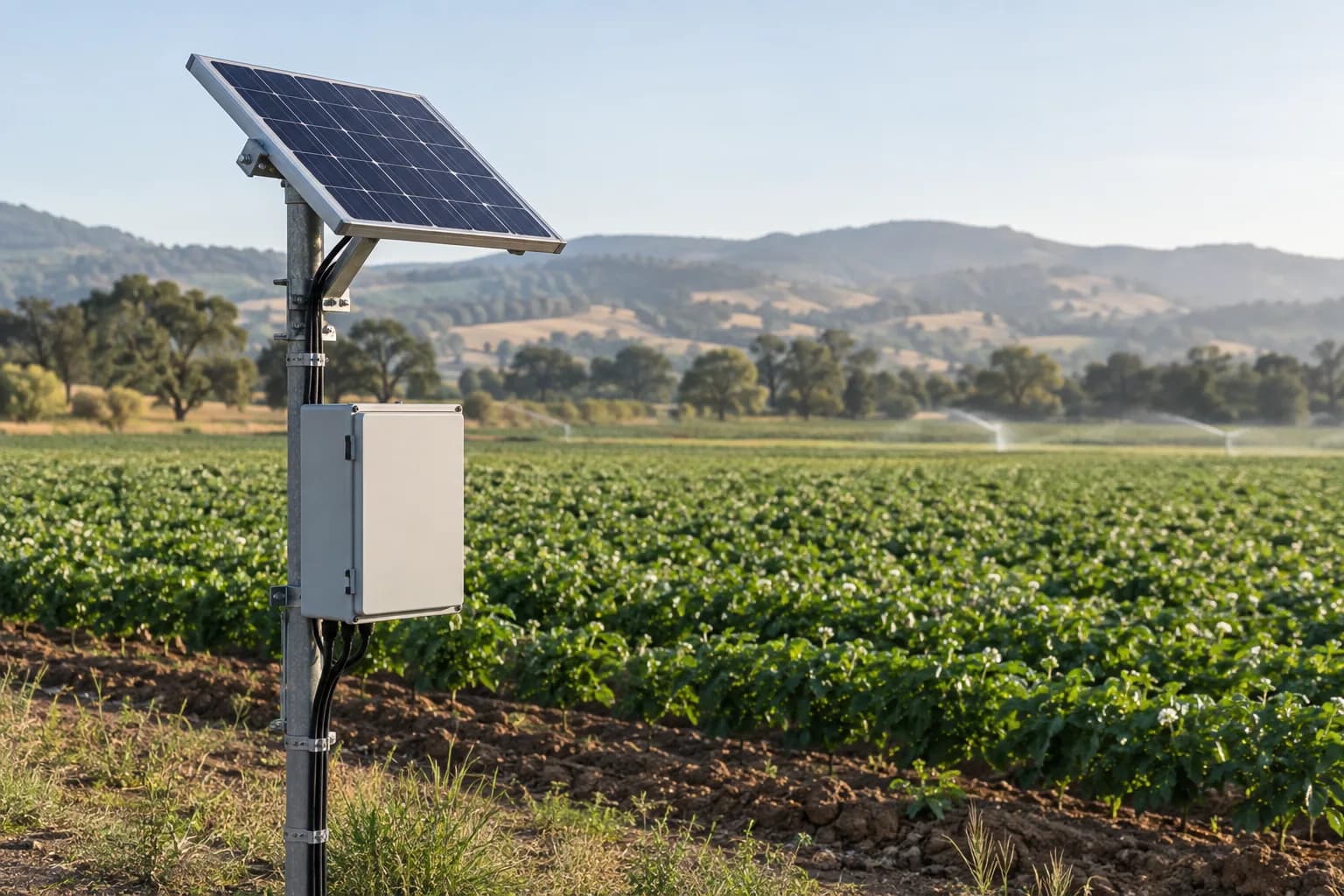
Review the sensor, gateway and network configuration- Sensor → gateway
Look for the expected uplink
- Network → application
Check device identity and decoded payload
- Application → screen
Check field mapping, units and time
Wait for the right message
Start with the device documentation. Some nodes send a measurement periodically; others need a configured input or a particular event. A join success followed by silence is not automatically a defective gateway. Record the expected interval and inspect one complete reporting cycle. Confirm that the device is in its intended operating mode and that its sensor or external input is enabled.
Separate radio traffic from application data
A LoRaWAN gateway relays radio packets to a network server. Seeing traffic at the gateway is therefore one checkpoint, not the final result. Look for the specific device and the expected application uplink in the server. Note the time and identity without copying security keys into an email. If the uplink is absent, investigate the device, region settings and installed radio path before changing a dashboard.
If bytes arrive, examine the decoder
Raw bytes do not explain themselves. The payload definition must match the exact device and firmware, including any message type or port that changes the layout. A decoder for a similar sensor can produce a plausible but wrong value. Compare one known input with the raw message and decoded field. Check units and scaling before treating a number as an engineering measurement. Keep a small example message with its expected interpretation in the handover.
Follow the same record into the receiving application
When a decoded value is correct in the network service but absent from the dashboard, inspect the integration and field mapping. Confirm the intended application, device identifier, permissions and receiving endpoint. Then compare the field name, unit and timestamp on both sides. This is a better place to investigate than swapping a working sensor. Export diagnostic examples without credentials, personal details or customer data.
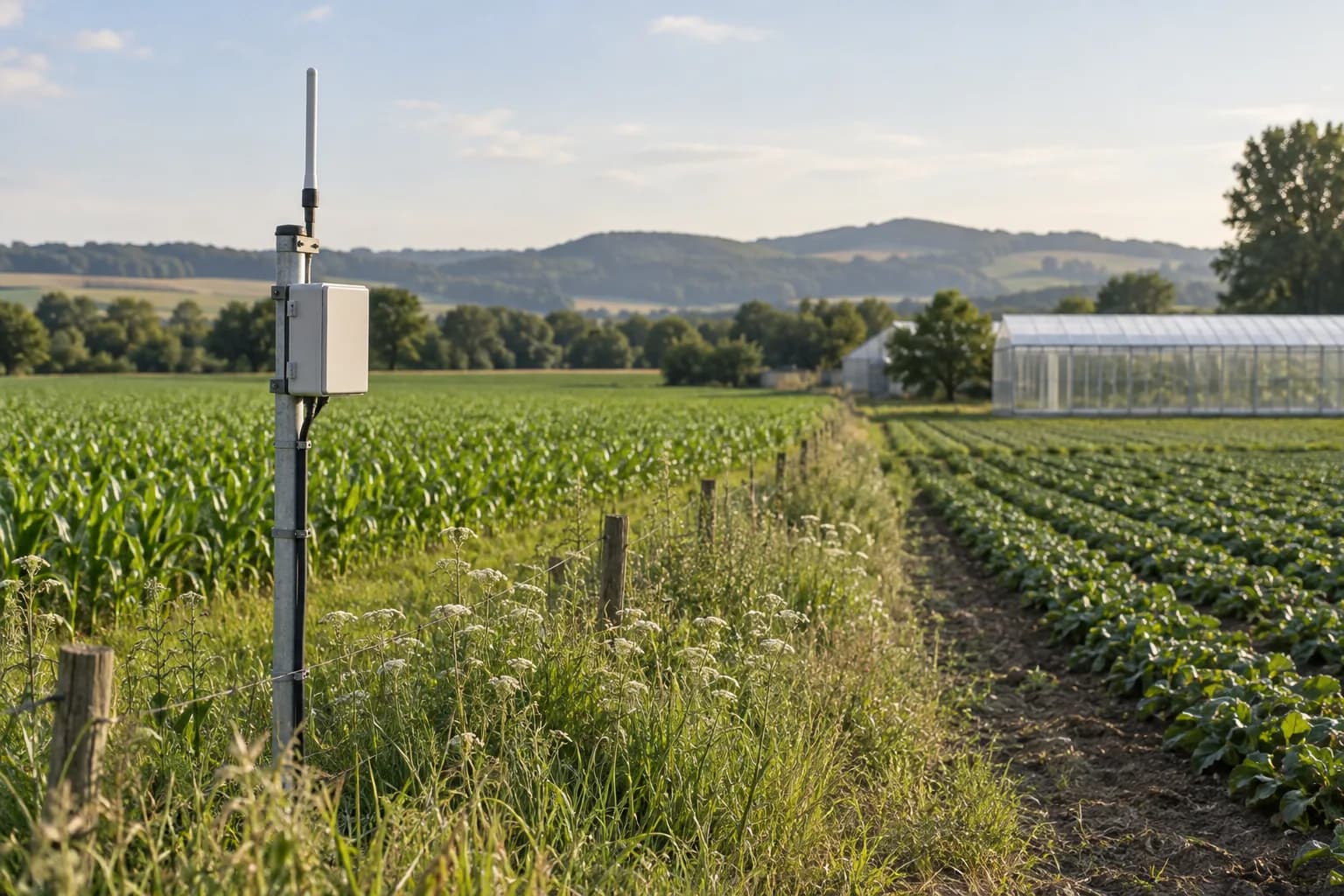
Close the lid before calling the pilot complete
After the data path works, repeat the check in the installed arrangement. The mounting point, antenna, enclosure and power source matter. Record ordinary readings, gaps and recovery from a permitted interruption. Keep network reception and application delivery as separate results. The useful handover is not a screenshot that says “joined”; it is a traceable measurement, a documented configuration and a clear list of remaining limitations.
| What you can see | Next check |
|---|---|
| Join success only | Expected reporting interval, operating mode and enabled input |
| Gateway radio traffic only | Correct device session and application uplink in the server |
| Raw payload, wrong value | Firmware-specific decoder, port, units and scaling |
| Correct decoded value, empty dashboard | Integration destination, permissions and field mapping |
Evidence & context
Editorial troubleshooting sequence based on the LoRaWAN network architecture and The Things Stack documentation. Console labels vary by network server. No particular SunGene model, site test or third-party service subscription is implied.
- LoRa Alliance: LoRaWAN 1.1 network architecture
- The Things Stack: device troubleshooting
- The Things Stack: payload formatters
The basis above distinguishes editorial guidance from anonymized project records. Final equipment capabilities and delivery commitments require configuration-specific confirmation.
Common questions
Does a successful join prove end-to-end compatibility?
No. It is one network checkpoint. Verify measurement, application uplink, decoding and the receiving application separately.
Should I share device keys for an initial review?
No. Start with the model, firmware, symptoms and redacted diagnostic records. Any later access needed for agreed integration work should use a controlled channel.