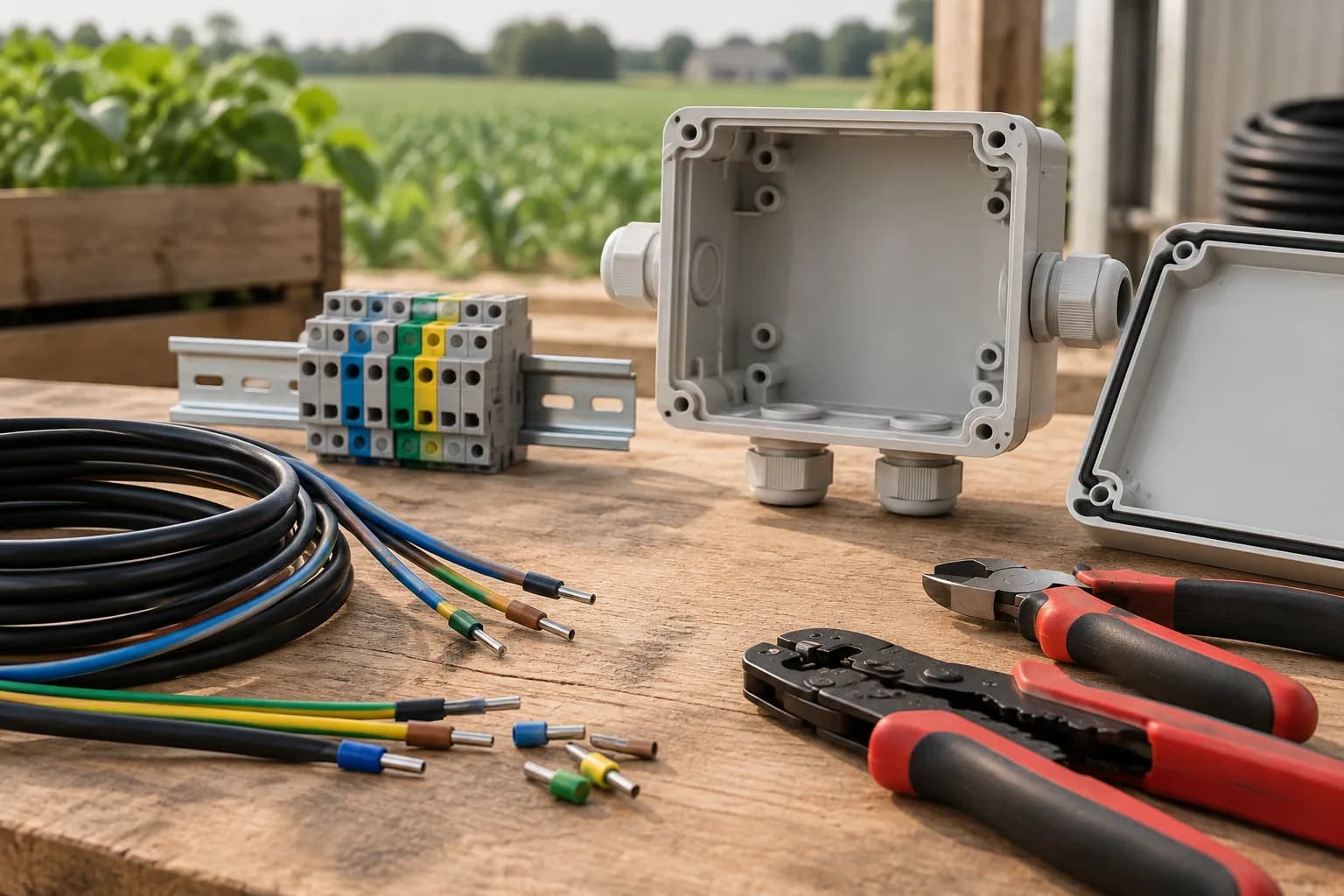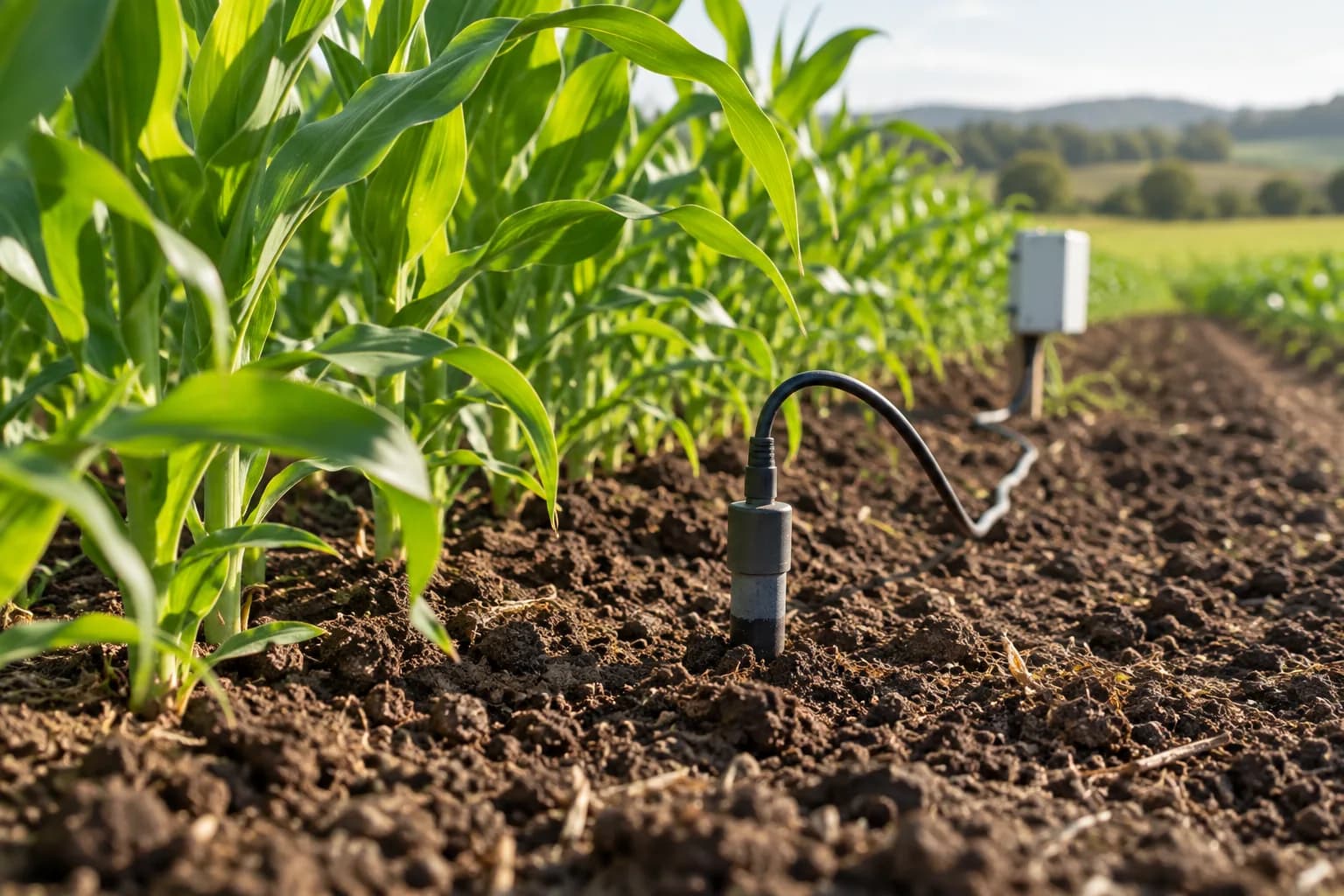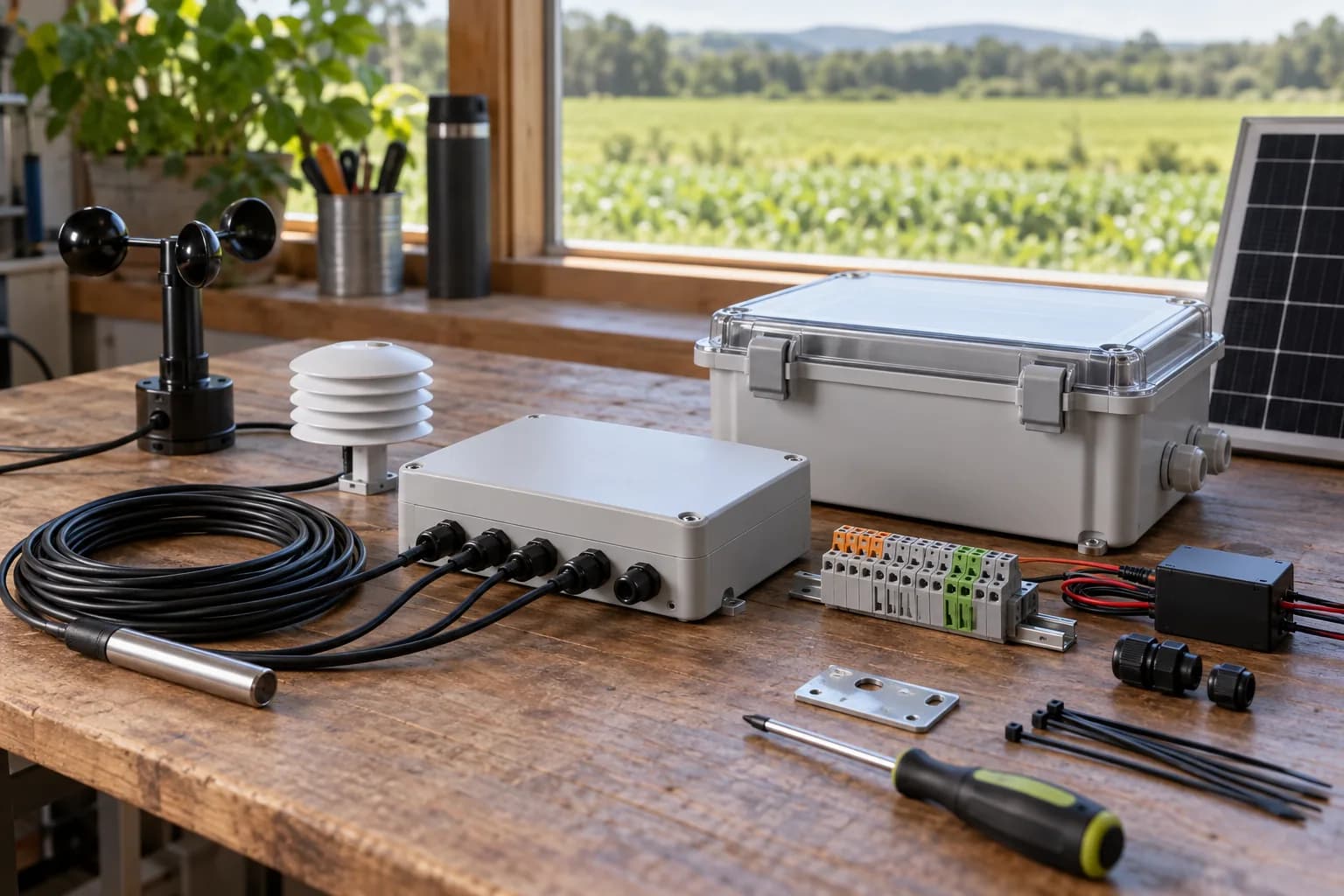
What can you do when a farm logger is one digital input short?
First check whether a compatible input expansion module can add the missing signal while preserving the required network and upload interface. Compare it with a larger logger using the complete configuration, including power, wiring and software support.
Configuration review
One status input short
Constraint
A farm logger needed one more equipment-status input while retaining the required network and upload interface.
Decision
Compare a larger logger with a compatible input expansion module. The reviewed direction used the small expansion module.
Working output
An updated equipment configuration and an interface check list.
Stage & next checkProposal review; final compatibility, testing and delivery still required.
The problem was bigger than the sensor list
The inquiry combined soil and weather measurements with equipment status, field power, communications and a customer platform. A candidate logger did not provide enough status inputs. Replacing it solely on input count could have removed another required capability.
Compare the whole configuration
The review considered alternative logger configurations and a small input-to-serial expansion module. One alternative did not meet the required network and upload combination. An available analogue channel also could not simply be assumed to support the intended battery measurement.
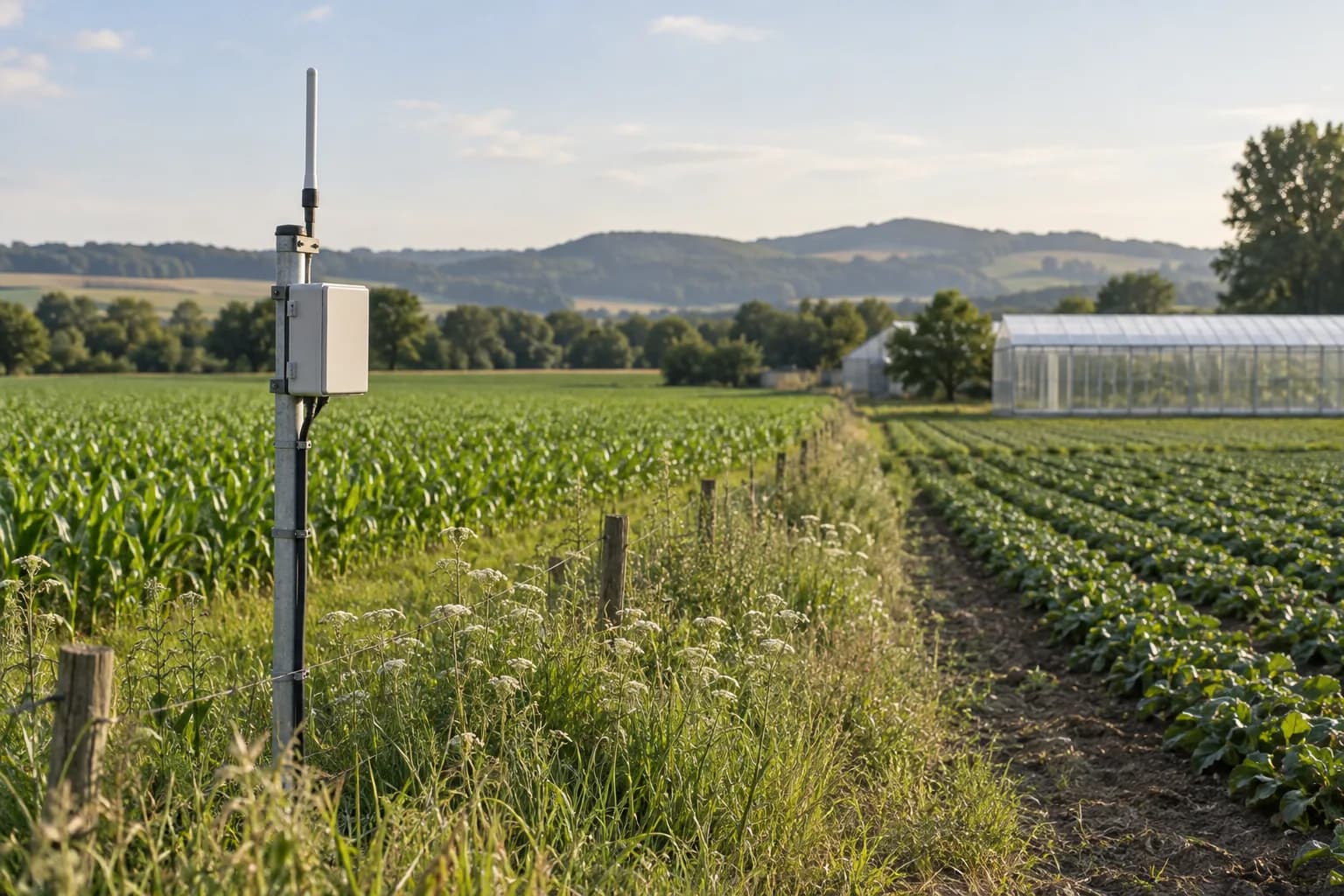
- List every signal and its electrical type, including spare inputs.
- Check physical interfaces and application protocols separately.
- Confirm address mapping, scan interval and how the logger handles the added module.
- Compare the total equipment, wiring, power and engineering work.
The proposed next step
The selected proposal used a small input expansion module after coordination with the equipment engineering team. Bench tests, final settings and site acceptance still needed to be agreed. The useful lesson is to resolve the missing function without assuming that a larger unit is automatically a better system.
Evidence & context
Anonymized orchard monitoring inquiry and equipment-selection records, August 2026. Proposal review was still ongoing in the September archive. This is a configuration decision, not a completed installation.
The basis above distinguishes editorial guidance from anonymized project records. Final equipment capabilities and delivery commitments require configuration-specific confirmation.
Common questions
Can a digital input be replaced by an analogue input?
Only if the exact device supports the required electrical signal and configuration. Input names alone do not establish compatibility.
Can you help with just one expansion module?
Yes. Share the existing model, the signal you need and the intended connection. Equipment selection or a small integration scope can be discussed separately.